Skip to content
View in the app

A better way to browse. Learn more.

LCPDFR.com

A full-screen app on your home screen with push notifications, badges and more.

To install this app on iOS and iPadOS
  1. Tap the Share icon in Safari
  2. Scroll the menu and tap Add to Home Screen.
  3. Tap Add in the top-right corner.
To install this app on Android
  1. Tap the 3-dot menu (⋮) in the top-right corner of the browser.
  2. Tap Add to Home screen or Install app.
  3. Confirm by tapping Install.

GTA5 News

598 stories in this category

  1. G17 Media ·
    Dive into the Cayo Perico Motor Wars where players battle in shrinking zones on El Rubio's island by playing the new mode!
    • 0 comments
    • 135 views
  2. G17 Media ·
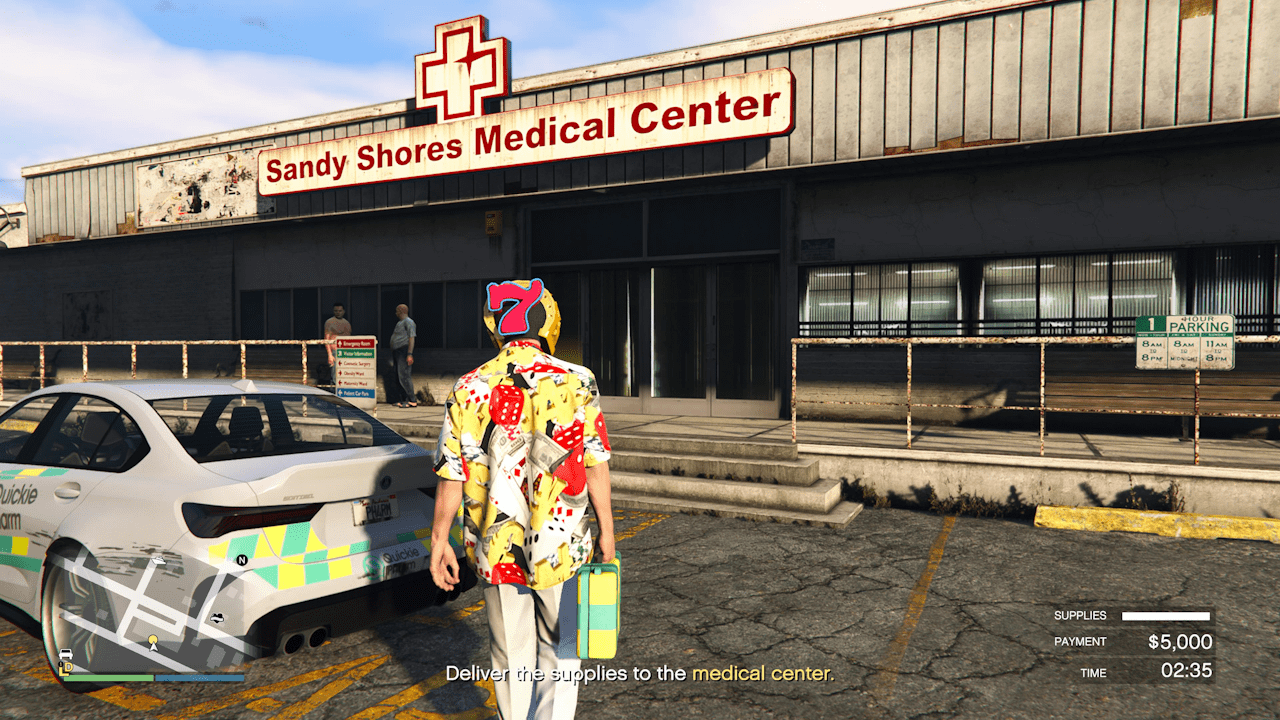
    It is still easy to AFK in GTA Online as of the Money Fronts update with very little effort involved. Rockstar Games recently patched out the infamous taxi method, meaning players have been wondering how they could idle without getting kicked by the usual 15-minute timer.
    • 0 comments
    • 272 views
  3. G17 Media ·
    It is still easy to AFK in GTA Online as of the Money Fronts update with very little effort involved. Rockstar Games recently patched out the infamous taxi method, meaning players have been wondering how they could idle without getting kicked by the usual 15-minute timer.
    • 0 comments
    • 84 views

Account

Navigation

Search

Search

Configure browser push notifications

Chrome (Android)
  1. Tap the lock icon next to the address bar.
  2. Tap Permissions → Notifications.
  3. Adjust your preference.
Chrome (Desktop)
  1. Click the padlock icon in the address bar.
  2. Select Site settings.
  3. Find Notifications and adjust your preference.