GTA5 News
598 stories in this category
-
After being delayed for the second time, Grand Theft Auto VI is now slated for release on November 19th, 2026. Though a third delay is widely speculated due to controversies plaguing the company, most notably the recent firings of over 30 employees, the extra time allows players to experience previous iterations of the iconic series.
-
NEW CONTENT
-
5X GTA$ & RP
-
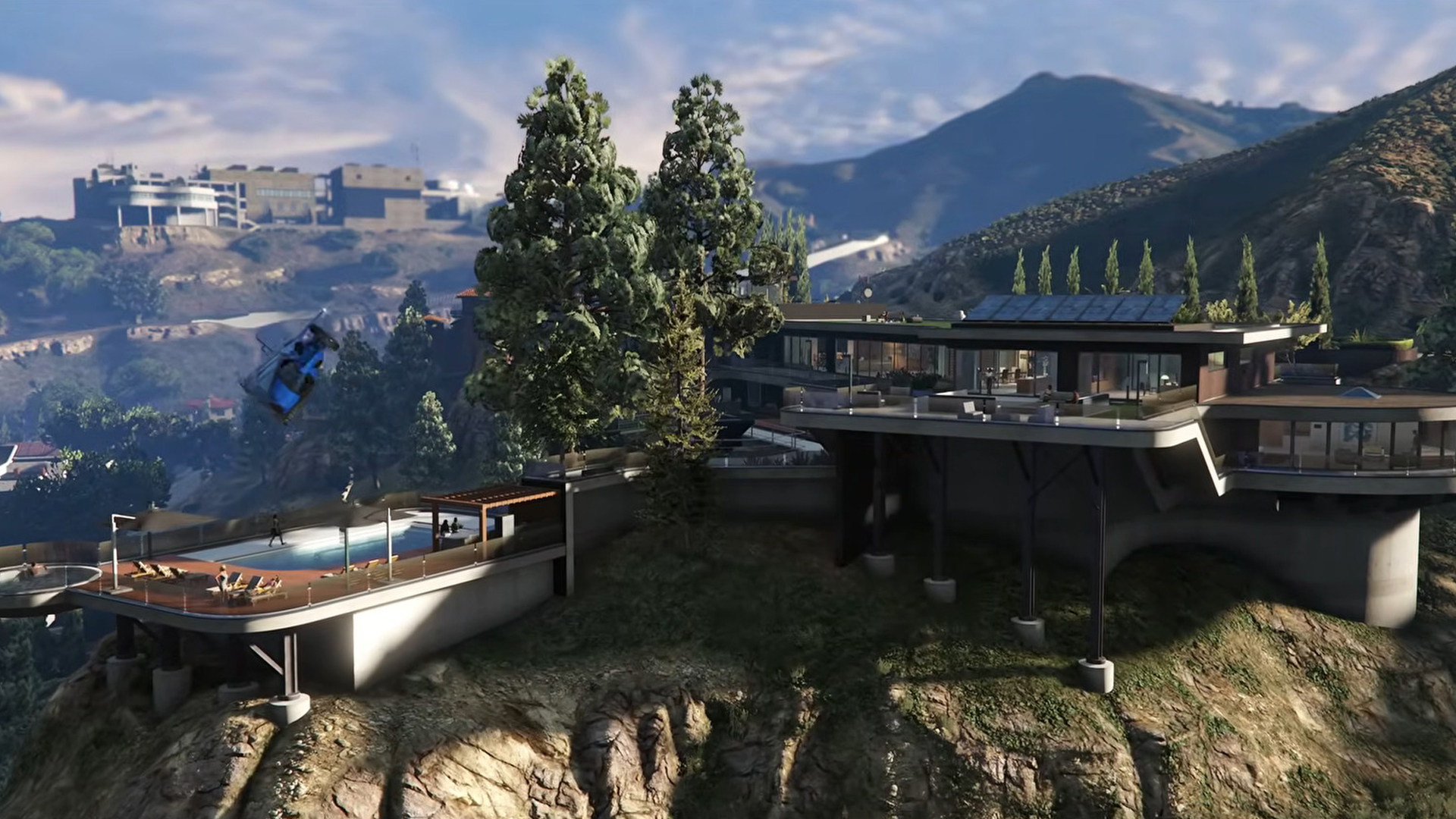
GTA Online: A Safehouse in the Hills, (also known as Mansions DLC) is coming this December.
-
3X GTA$ & RP
-
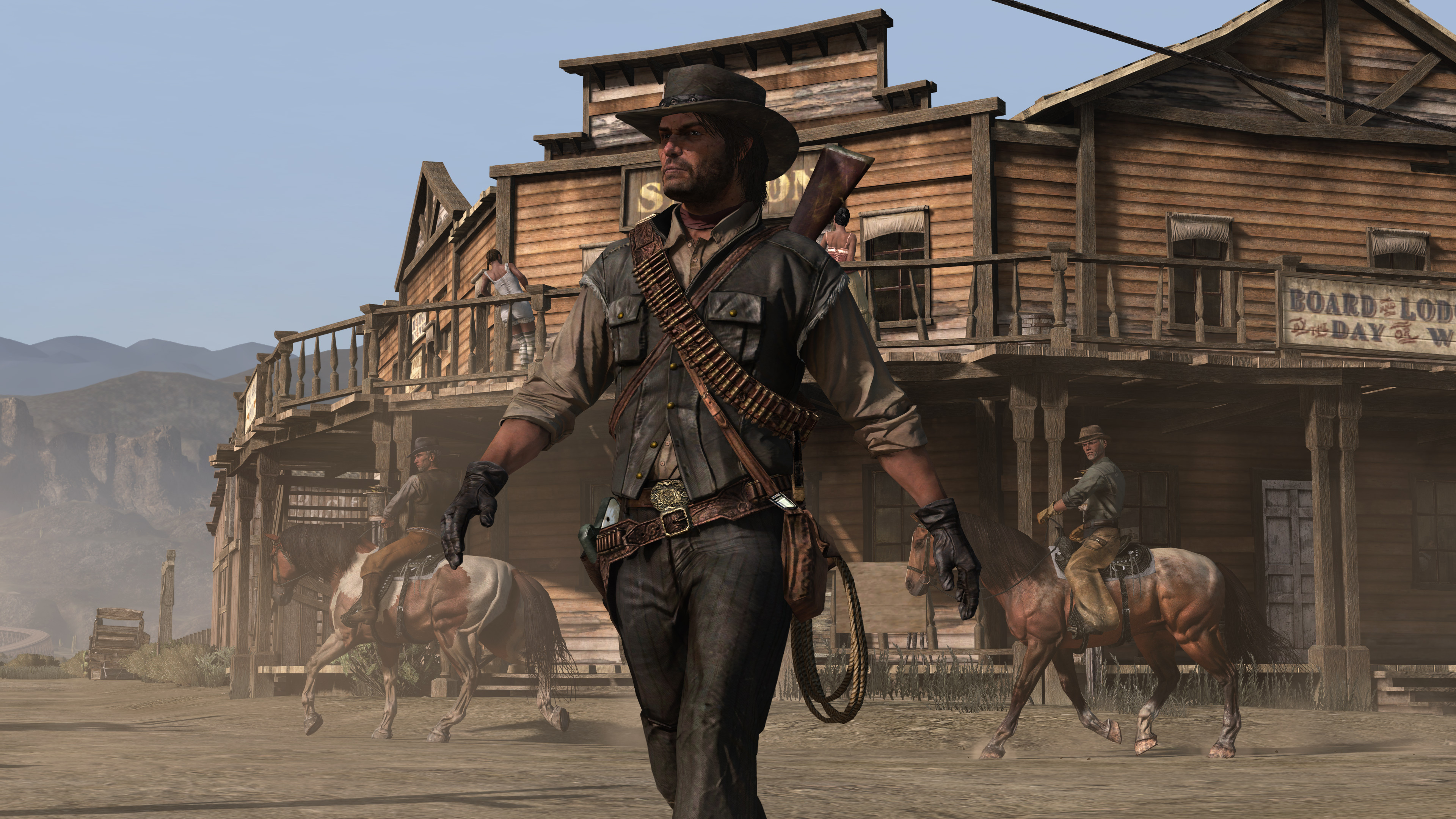
On December 2, the epic Western adventures Red Dead Redemption and Undead Nightmare will be available for the latest mobile devices and on current generation consoles - with free upgrades, the ability to carry over game progress, and several enhancements.
-
Play GTA Online before December 7 to receive Black Tier Rewards within 72 hours
-
Rockstar Games has officially announced that Grand Theft Auto VI will now release on November 19, 2026, marking the second delay for the highly anticipated title. The news was confirmed through an official post on Rockstar’s X (Twitter) account, where the studio thanked fans for their patience and reiterated its commitment to delivering an experience worthy of the Grand Theft Auto name.
-
Guaranteed to find the Panther Statue Primary Target when completing the Cayo Perico Heist for the first time this week
-