GTA5 News
598 stories in this category
-
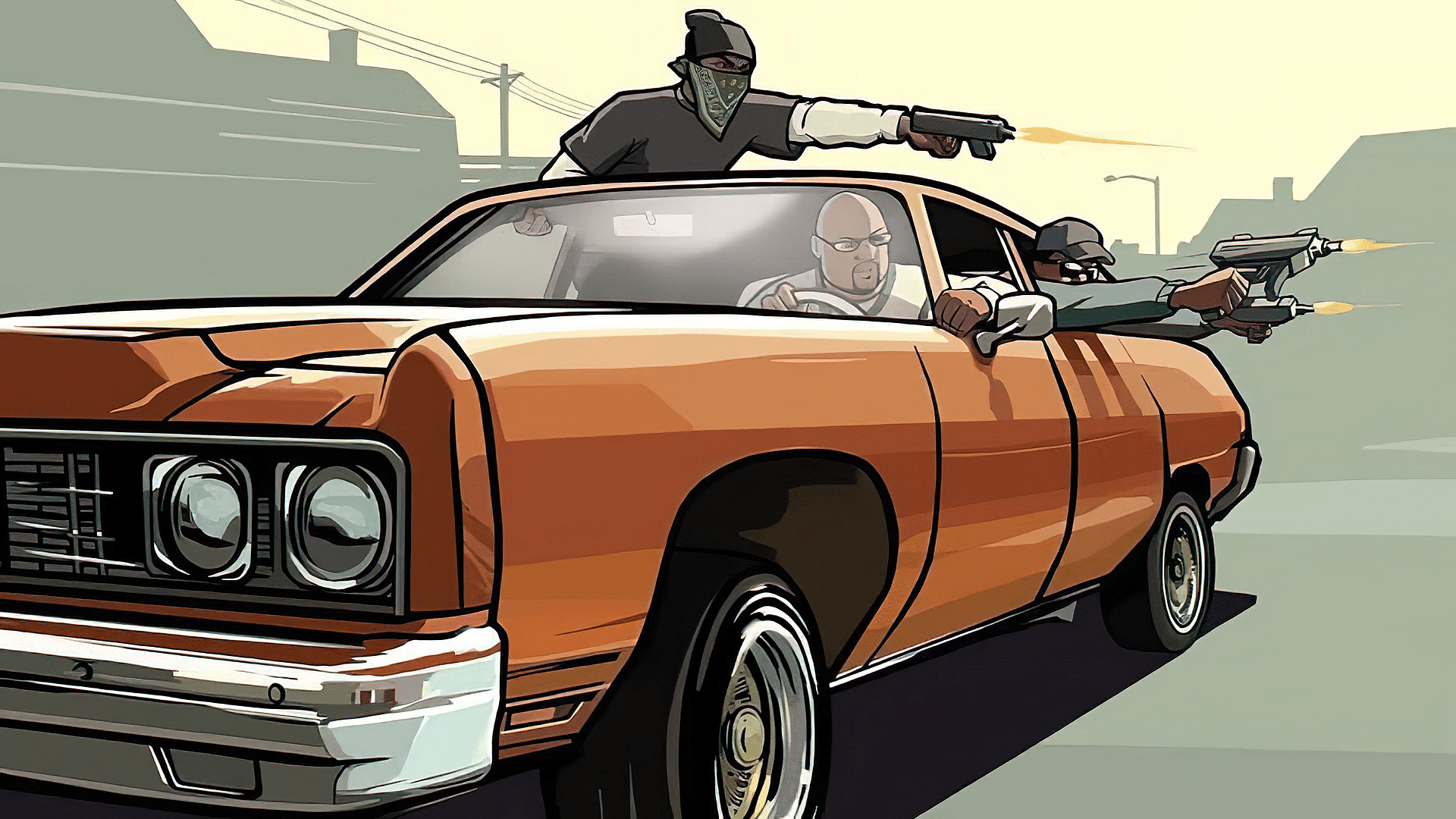
I have spent countless hours in GTA San Andreas, going through the story missions again and again. It sure took a few hours to get through the entire game. Yet at no point did I ever imagine that someone would break the game so thoroughly that beating GTA San Andreas in 10 minutes is possible.
-
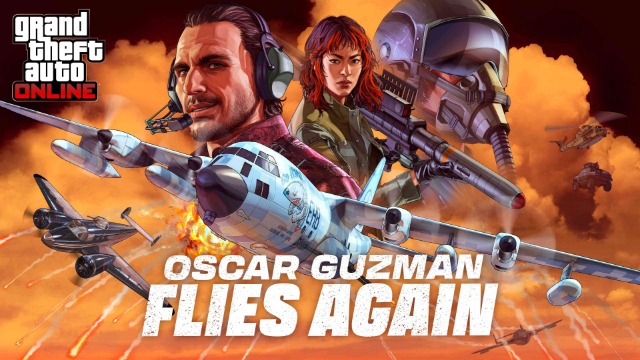
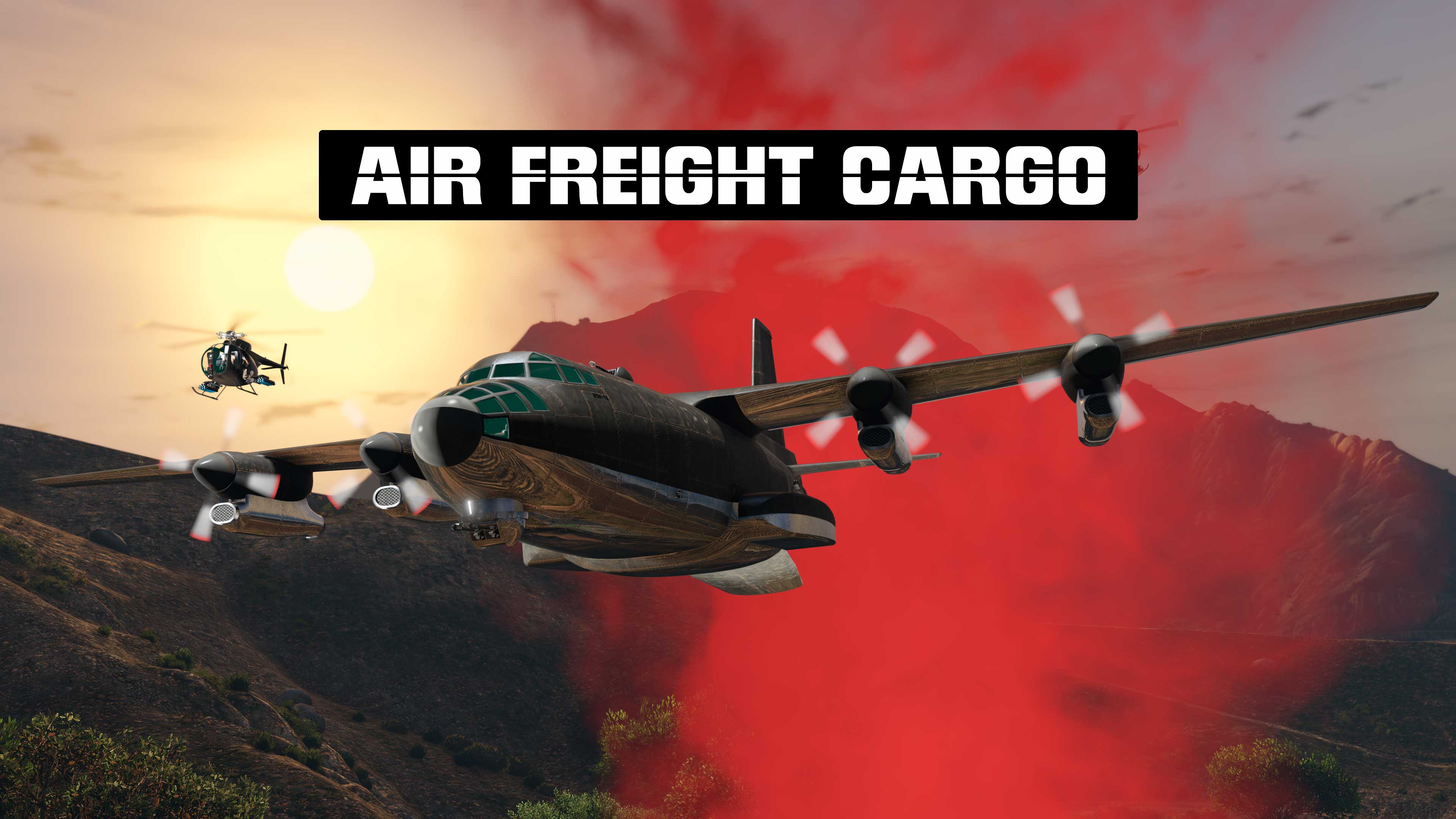
Hey GTA Online players! With the new Oscar Guzman Flies Again DLC, Rockstar brings back our favorite drug smuggler with a whole new set of air-based missions. You can earn over $800,000 an hour with this DLC, this guide breaks down everything you need to know – from the first setup to the final Titan Job.
-
As we're hopefully approaching a GTA VI release, there have been some ongoing discussions regarding its pricing and how this might shape the future of not only Rockstar but also the gaming industry. A potential imposition of premium pricing affects GTA 6 in some ways and may even be feasible, but is it likely to happen?
-
It has been well over a year since Rockstar announced the first GTA VI trailer, and anticipation for GTA VI Trailer 2 has only intensified
-
3X GTA$ & RP
-
Hello everyone, and a very warm welcome to Los Santos — now more stunning than ever on the Expanded and Enhanced PC version!
-
3X GTA$ & RP
-
2X GTA$ & RP