


Leaderboard
-

-
JM Modifications
MembersPoints896Posts -

Trooper Thoughts
MembersPoints3Posts -
officermcd
MembersPoints8Posts




Popular Content
Showing content with the highest reputation on 05/02/2026 in File Comments
-
1 point
 Yeah I was checking the differences from the original file and saw it. I was not aware that is how it was supposed to be in xml so I thought it may have been a typo or something. So far the mod is really cool. I actually used a vehicles.xml that was basically word for word the same as the one you included up to about 3000 items and then yours kept going and going, lol. Its great, over 6000 items so you dont get the same stuff over and over!1 point
 -
OCRP Postal Code MAP
0pheIia reacted to JM Modifications for a comment on a file
1 point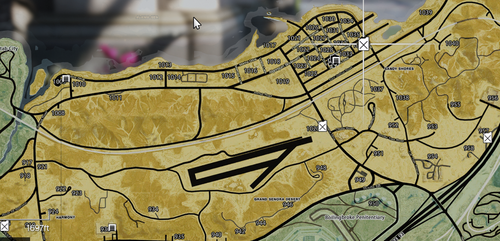 Nobody is saying that. We are trying to help you the best we can.1 point
 -
1 point
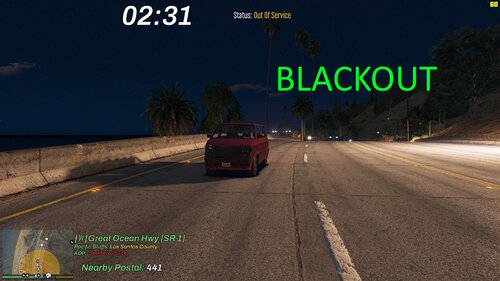 I'm having the same issue and I have the latest SHVDN. Other scripts still working but Roadworthy throws the error and doesnt work.1 point
 -
RoadWorthy
BJ USA reacted to officermcd for a comment on a file
1 point
Sorry but the error persists even with latest nightbuild version of scripthook [11:23:23] [DEBUG] Instantiating script RoadWorthy.RoadWorthy ... [11:23:23] [ERROR] Failed to instantiate script RoadWorthy.RoadWorthy because constructor threw an exception: System.MissingMethodException: Méthode introuvable : 'GTA.FeedPost GTA.UI.Notification.PostTicker(System.String, Boolean, Boolean)'. at RoadWorthy.RoadWorthy.InitializeDetailedConfig() at RoadWorthy.RoadWorthy..ctor() in C:\Users\himov\source\repos\RoadWorthy\RoadWorthy\Class1.cs:line 40 [11:31:30] [ERROR] Caught unhandled exception: System.MissingMethodException: Méthode introuvable : 'GTA.FeedPost GTA.UI.Notification.PostTicker(System.String, Boolean, Boolean)'. at AdvancedVehiclePersistence.Notify(String msg) at AdvancedVehiclePersistence.HandleProximityLock() in C:\Users\Manny\Desktop\GTA V Scripts\VehicleLock.cs\VehicleLock.cs\Class1.cs:line 451 at AdvancedVehiclePersistence.OnTick(Object sender, EventArgs e) in C:\Users\Manny\Desktop\GTA V Scripts\VehicleLock.cs\VehicleLock.cs\Class1.cs:line 190 at SHVDN.Script.DoTick()1 point -
Reii's Quantv Reshade Config
mrbailey15 reacted to reii for a comment on a file
1 point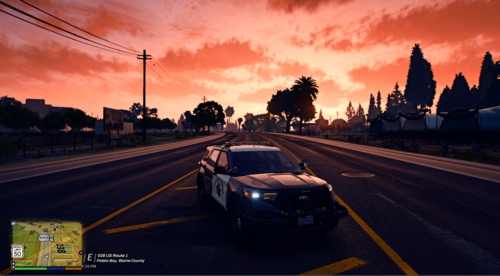 Hi sorry For the late response I use regular quantv visualsettings1 point
 -
[ELS]-[ADDON] Chevrolet Tahoe Unmarked Mini-Pack
craio2lk reacted to Trooper Thoughts for a comment on a file
1 point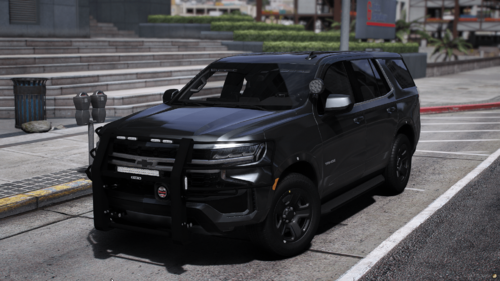 from what i have tried, and it works for me, i take out the files onto a new folder on my desktop, aswell as the ELS, and i rename them to a replace vehicle name, (example: fbi2.yft, fbi2.xml etc.), then after doing that i drop the yfts and ytd into my replace vehicle folder and then obviously the XML goes into pack default folder1 point

This leaderboard is set to London/GMT+01:00