
Skip to content
View in the app

A better way to browse. Learn more.

LCPDFR.com

A full-screen app on your home screen with push notifications, badges and more.

To install this app on iOS and iPadOS
  1. Tap the Share icon in Safari
  2. Scroll the menu and tap Add to Home Screen.
  3. Tap Add in the top-right corner.
To install this app on Android
  1. Tap the 3-dot menu (⋮) in the top-right corner of the browser.
  2. Tap Add to Home screen or Install app.
  3. Confirm by tapping Install.

Strooper

I'm back.


I decided to take a break from modelling whilst I went away, and then my PC quite literally shit itself. To spare you the long details, Windows 10 fucked me and essentially I had to re-format my hard drive. I couldn’t save all my stuff, I only managed to get the essentials off before the format. So I lost everything pretty much.


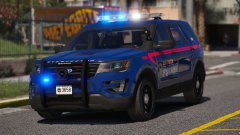
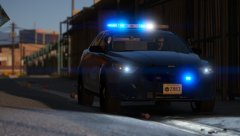
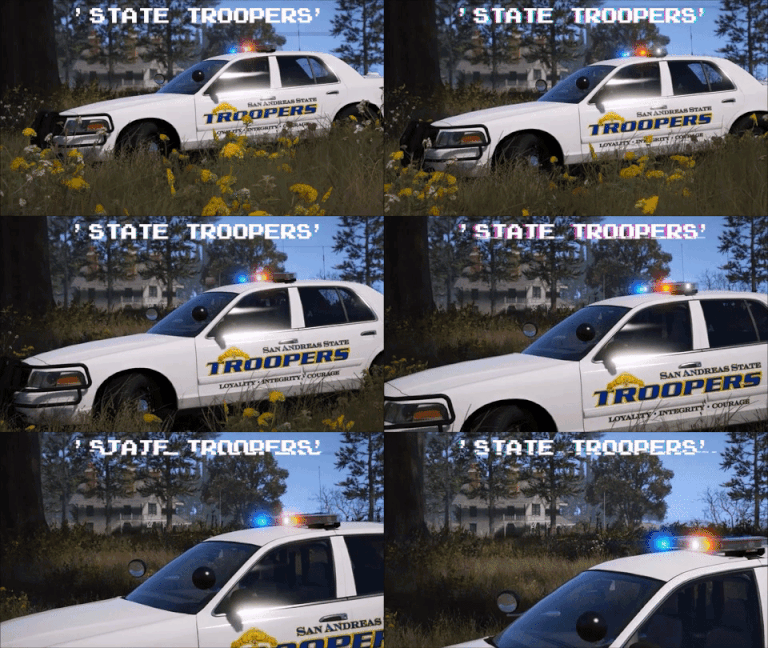
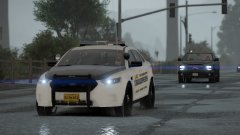
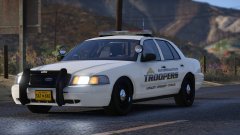
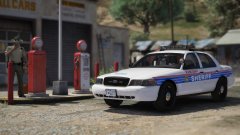
But I'm back, and to get back into the routine of modding, I'm making a mini State Trooper loosely pack based off the Alaska State Troopers. It'll be a three vehicle pack, and should be done fairly soon.


20180206195301_1.thumb.jpg.1eff91cdf428ec4e994600484a9b4a59.jpg

20180206195512_1.thumb.jpg.362daad48eff1c01f02d9b2bfbdb818f.jpg

20180206195425_1.thumb.jpg.95a34f392d487d4626f3a506a02677ef.jpg

From the album:

Jed's Models

· 124 images

Account

Navigation

Search

Search

Configure browser push notifications

Chrome (Android)
  1. Tap the lock icon next to the address bar.
  2. Tap Permissions → Notifications.
  3. Adjust your preference.
Chrome (Desktop)
  1. Click the padlock icon in the address bar.
  2. Select Site settings.
  3. Find Notifications and adjust your preference.