





One Flew Over

By Hullian111
- 891 views
- View Hullian111's images
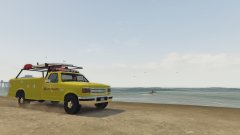
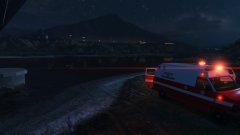
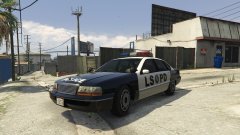
It's pretty much the middle of the night, and one very tired driver of a sliver Merit lost control on the highway back to Paleto Bay, and flew straight into Lago Zancudo. His vehicle, obviously, was destroyed, the roof of it barely visible above the water. And due to the force of the impact, the driver was seriously injured and put into a coma, but thankfully, he came to his senses... in 1995.
Copyright
© Hullian111
Recommended Comments
Join the conversation
You can post now and register later. If you have an account, sign in now to post with your account.