






By Hullian111
- 898 views
- View Hullian111's images
Reports of a major shootout at the Ludendorff cemetery came in one night in 1992, but even 1951's troopers of the year could not get there fast enough before the damage truly was done. Maybe they didn't want to bring back bad memories of 1983, or maybe they just couldn't get through the unseasonal snow. Regardless, there were very few arrests.
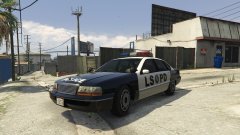
Yes, the retro NYSP pack is in the works! I've just got to sort out the other Merit livery, then I'll screenshot it, and get it out there. Here's a frontal:

Copyright
© Hullian111
Recommended Comments
Join the conversation
You can post now and register later. If you have an account, sign in now to post with your account.