


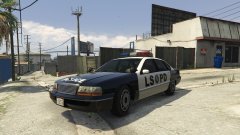


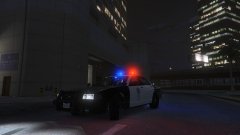
Grove Street, Home.

By Hullian111
- 1,555 views
- View Hullian111's images
While the Grove Street Families were pushed out from their titular street, almost completely leaderless, the Ballas moved in. CRASH were still doing the rounds then, contributing to fill in the power vacuum down the street, and make money from corrupt acts.
Big shout to 11John11 for the Merit Classic - a car that I eagerly awaited, and a car I didn't think I would get.
(I might have to start playing the story to get the Rockstar Editor working - GTA V runs out of memory when I turn the HUD back on in Menyoo)
Credit
11John11 for the Merit Classic
Copyright
© Hullian111
Recommended Comments
Join the conversation
You can post now and register later. If you have an account, sign in now to post with your account.