





![LSMPD 'Addon DLC' [Part two]](http://s3-gallery.int-cdn.lcpdfrusercontent.com/monthly_2017_12/small.20171226213955_1.jpg.92f6ff687061ce5cff145a96d57d7e63.jpg)
Retro '90s

By Jedahdiah
- 2,052 views
- View Jedahdiah's images
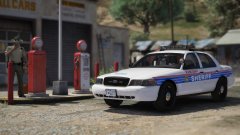
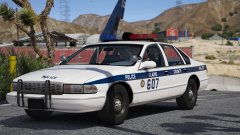
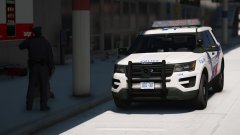
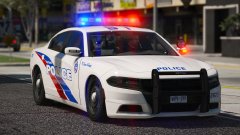
Kickin' off the new year by sending it back to the 90's.
Just a little something I put together in my spare time. I'm thinking of a pack or two of these. Maybe do a 90s pack with a few different light bar versions, and an 80's pack.
Comes equiped with a white takedown, red steady burn, and of course, rotors.
And I know the 'police' on the front bonnet is askew. It's fixed now.


Copyright
© Jedahdiah
Recommended Comments
Join the conversation
You can post now and register later. If you have an account, sign in now to post with your account.