




Skip to content
View in the app

A better way to browse. Learn more.

LCPDFR.com

A full-screen app on your home screen with push notifications, badges and more.

To install this app on iOS and iPadOS
  1. Tap the Share icon in Safari
  2. Scroll the menu and tap Add to Home Screen.
  3. Tap Add in the top-right corner.
To install this app on Android
  1. Tap the 3-dot menu (⋮) in the top-right corner of the browser.
  2. Tap Add to Home screen or Install app.
  3. Confirm by tapping Install.

Questioned

Got really stuck this week with work, the modelling software being a bitch and on the whole, I lost the will to model and when I did want to, I had no ideas on what to model.


So, I sat down and forced myself today to do something, so I revisited the old LSPD vector models I did previously.... and deleted them. 


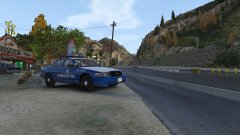
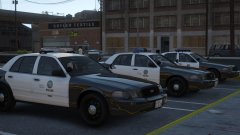
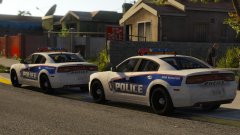
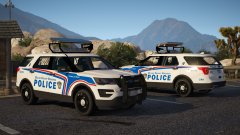
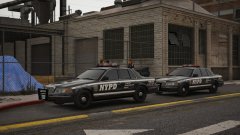
New and fresh, here's a 2014 Charger. Hopefully I'll maintain the will to finish the pack off. It will include door mirror lights when I remember to stick them on.


20171104184441_1.thumb.jpg.65029bb196c2ffd09550b62cc7993182.jpg20171104184314_1.thumb.jpg.0e78c8db5c9622f0992e5784a072924b.jpg

20171104185017_1.thumb.jpg.e530528579f5f7ef146b64f6b569b74a.jpg

20171104184939_1.jpg


Credit

BradM - LSPD Skin.

Copyright

© Jedahdiah

From the album:

Jed's Models

· 124 images

Account

Navigation

Search

Search

Configure browser push notifications

Chrome (Android)
  1. Tap the lock icon next to the address bar.
  2. Tap Permissions → Notifications.
  3. Adjust your preference.
Chrome (Desktop)
  1. Click the padlock icon in the address bar.
  2. Select Site settings.
  3. Find Notifications and adjust your preference.