Skip to content
View in the app

A better way to browse. Learn more.

LCPDFR.com

A full-screen app on your home screen with push notifications, badges and more.

To install this app on iOS and iPadOS
  1. Tap the Share icon in Safari
  2. Scroll the menu and tap Add to Home Screen.
  3. Tap Add in the top-right corner.
To install this app on Android
  1. Tap the 3-dot menu (⋮) in the top-right corner of the browser.
  2. Tap Add to Home screen or Install app.
  3. Confirm by tapping Install.

Paramedic Supervisor

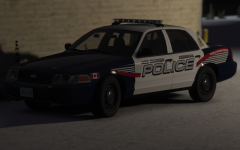
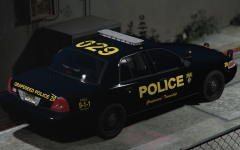
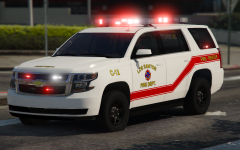
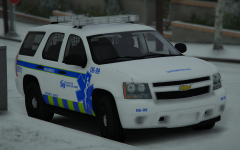
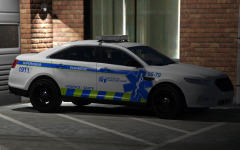
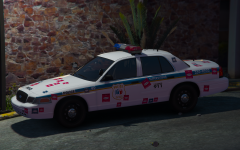
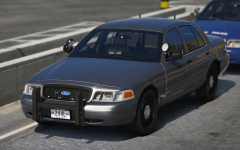
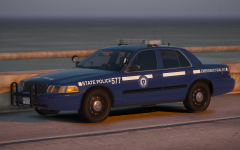
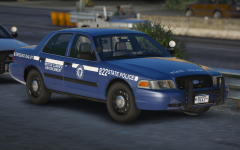
So... This is an addition to my french canadian inspired game. The car itself is based a bit on the Montreal Paramedic car, but it is basically the FPIS from my most recent pack but with no police gear, red lights, no hubcaps, and less exterior gear. The livery is also kinda based on Montreal but I threw my own touches on it.


59c95e923129e_Desktop09_25.2017-15_37_23_91.thumb.png.9a6da04e4741749638be6c83ab567135.png

59c95e951bbbb_Desktop09_25.2017-15_37_36_92.thumb.png.0b340a021610e5c324860fbe0ad22da4.png

59c95e97f05cb_Desktop09_25.2017-15_37_47_93.thumb.png.b1c7be68db19beb4a9cd141b86bd7112.png

59c95e9a9f9ae_Desktop09_25.2017-15_37_58_94.thumb.png.d720fea9e2d3133347e460076bf0c7e8.png

Credit

t0y, Carper

Copyright

© t0y

From the album:

t0y's Projects

· 127 images

Account

Navigation

Search

Search

Configure browser push notifications

Chrome (Android)
  1. Tap the lock icon next to the address bar.
  2. Tap Permissions → Notifications.
  3. Adjust your preference.
Chrome (Desktop)
  1. Click the padlock icon in the address bar.
  2. Select Site settings.
  3. Find Notifications and adjust your preference.