




.png.632348801502847ac7acc2b15dd442dd.png)
.png.5338949515c81080d5c0d7f4e62a358f.png)
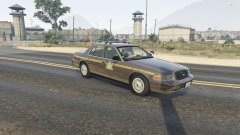
WIP '03 CVPI with MX7000

By nh1256
- 883 views
- View nh1256's images
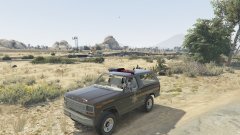
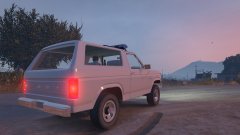
Little bit of progress. Added a spotlight and fixed the missing textures. Spotlight is not functioning though. If someone can show me how to utilize extra's, I will add a Setina PB200 pushbar as an extra. Anyone who would like to help out or let me use some equipment will be credited, and if the equipment would like to be kept private I will lock the model, otherwise the model will be released unlocked.
Recommended Comments
Join the conversation
You can post now and register later. If you have an account, sign in now to post with your account.