Due to overzealous filtering on Microsoft’s side, some emails to Outlook and Hotmail addresses may not be delivered. If you’re affected, please use a different email address or try again later.
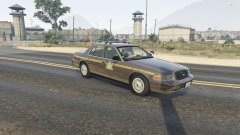
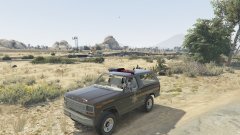
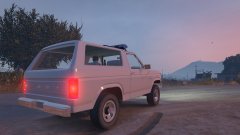
Let me know what you guys think. Still needs work. Has some missing textures at the moment. Gonna add a radar unit hopefully, and some more equipment. Also, folded spotlight or no spotlight? If anyone has a good folded spotlight I can use, let me know.




.png.632348801502847ac7acc2b15dd442dd.png)
.png.5338949515c81080d5c0d7f4e62a358f.png)

Recommended Comments
Join the conversation
You can post now and register later. If you have an account, sign in now to post with your account.