







By Effegi88
- 920 views
- View Effegi88's images
Finally, the nightmare has come to an end.
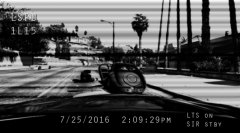
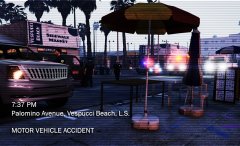
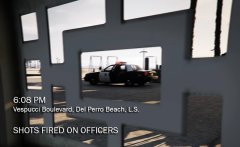
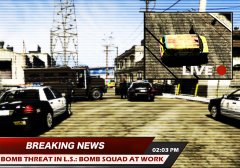
This morning a LSPD Vespucci DIvision unit, responding Code 2 for a possible intoxicated person on the overpass in Pacific Bluffs, found the suspect while stabbing a woman, a young asian girl. The officer tased the suspect after a brief chase downstairs and arrested him with other two backup units dispatched.
Unfortunately, the victim was declared DOA by EMS.
The suspect will be charged for yesterday's assaults and a first degree murder.
Credit
Thanks to: Code3 Callouts by @Stealth22 and LSPD CVPI 1.3.5 by @legionarius
Recommended Comments
Join the conversation
You can post now and register later. If you have an account, sign in now to post with your account.