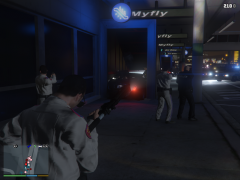
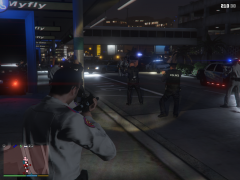
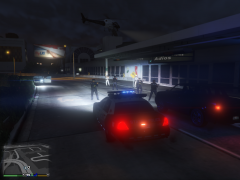
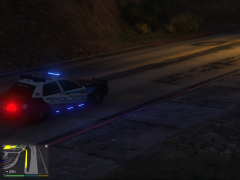
GTA5 2016-05-18 22-58-10-49.png Share https://www.lcpdfr.com/gallery/image/64499-gta5-2016-05-18-22-58-10-49png/ Share on Facebook Share on X {lang="reddit_text" More sharing options... Followers The Car Chase ended for the fugitives driver in the airport by the driver gangs area was easily salvaged injured .. checking the vehicle were found in a blue trash bag body parts ... the investigation of the homicide is still on going



Recommended Comments
Join the conversation
You can post now and register later. If you have an account, sign in now to post with your account.