

Skip to content
View in the app

A better way to browse. Learn more.

LCPDFR.com

A full-screen app on your home screen with push notifications, badges and more.

To install this app on iOS and iPadOS
  1. Tap the Share icon in Safari
  2. Scroll the menu and tap Add to Home Screen.
  3. Tap Add in the top-right corner.
To install this app on Android
  1. Tap the 3-dot menu (⋮) in the top-right corner of the browser.
  2. Tap Add to Home screen or Install app.
  3. Confirm by tapping Install.

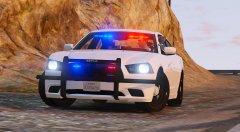
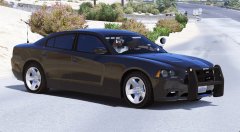
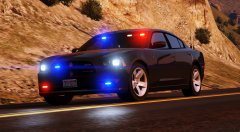
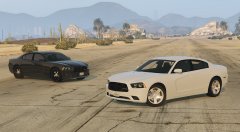
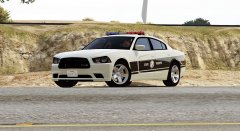
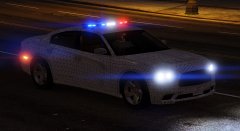
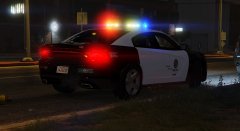
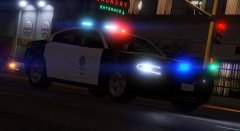
2014 Charger

Converted another Charger and scrap the old version (Forza + simraceway).
There were some missing or incorrect parts on old charger, I tried to focus on fix those this time.

I'm not an expert in 3d modelling or anything but I tried.... :p

- New steering wheel
- Added gear shifter
- Added base model radio
 

shifter2.jpg

radio.jpg

radio 4.jpg

Credit

NIGHTKID F55544 FARTKNOCKR BXBUGS123

Copyright

© NIGHTKID GARAGE

From the album:

CHARGER [GTA V]

· 23 images

Account

Navigation

Search

Search

Configure browser push notifications

Chrome (Android)
  1. Tap the lock icon next to the address bar.
  2. Tap Permissions → Notifications.
  3. Adjust your preference.
Chrome (Desktop)
  1. Click the padlock icon in the address bar.
  2. Select Site settings.
  3. Find Notifications and adjust your preference.