


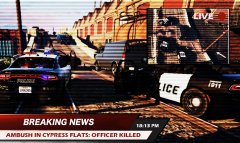
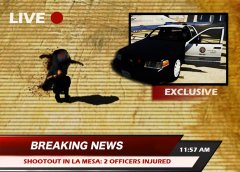
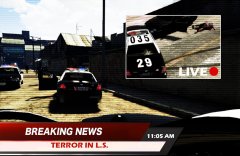
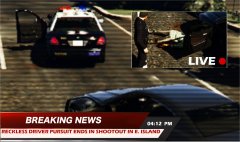
TERROR.jpg

By Effegi88
- 752 views
- View Effegi88's images
10/25/2015
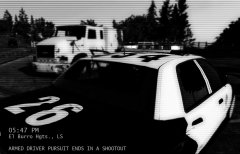
At about 10:00 AM this morning, two subjects started to shoot at people in a road alongside capital Boulevard, in La Mesa, killing one person and injuring other two people.
Accordingly to the LSPD, five units arrived on scene, engaging a shootout with one of the killers while the second, after a short foot pursuit, was able to hijack a car, fleeing from the police. Two units joined the pursuit that ended in El Burro Boulevard, Palomino Highlands, after almost an hour.
Both of the heavily armed suspects were shot dead by the officers.
Credit
Thanks to CVPI LSPD Mx7000/Arjent. by F5544 and Crazy Callouts by TitanSloth
Recommended Comments
Join the conversation
You can post now and register later. If you have an account, sign in now to post with your account.