





By Effegi88
- 675 views
- View Effegi88's images
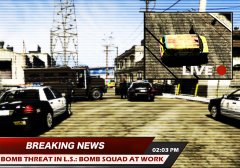
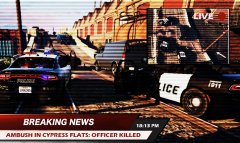
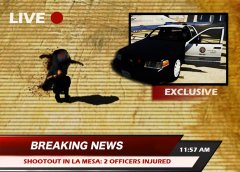
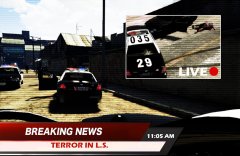
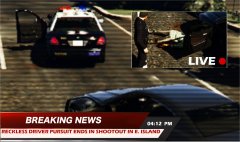
02:10 AM - Citizens report a possible Gang Activity in a street alongside Elysian Fields Freeway.
02:12 AM - Gang Related Activity is dispatched
02:12 AM - Traffic Officer 1 Adam 12 answers the call
02:16 AM - TO 1A12 is on scene.
02:17 AM - TO 1A12 request backup, Code 2.
02:18 AM - An additional unit (Adam 6) is dispatched.
02:18 AM - TO 1A12 reports shots fired on officer. Code 99, all nearby units respond.
02:19 AM - A6 on scene
02:20 AM - Charlie 6 and Adam4 on scene.
02:21 AM - Shootout ends: one officer injured, multiple suspects killed or injured and arrested. EMS dispatched. One interceptor probably damaged beyond repair
Credit
Thanks to: StraysCallouts by Straysify; PoliceToolbox 2 by DemNinjas; CVPI LSPD Mx7000/Arjent. by F5544 and 2015 Dodge Charger RT Police 2.0 by KAMELKFB
Recommended Comments
Join the conversation
You can post now and register later. If you have an account, sign in now to post with your account.