


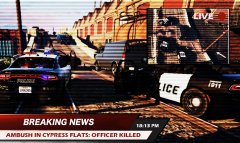
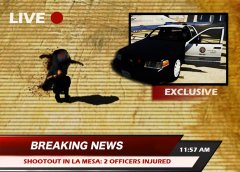
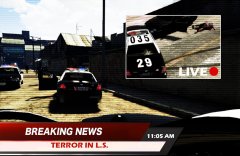
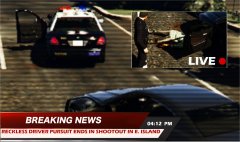
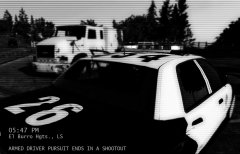
PURSUIT.jpg

By Effegi88
- 759 views
- View Effegi88's images
10/17/2015
At about 03:40 this afternoon, a driver stopped for reckless driving forced multiple units and an helicopter in a high speed pursuit from Popular street to Elisyan Island where, boxed by police cars, stepped off the vehicle and started to shoot at the officers with a handgun.
Accordingly to the LSPD, twelve shots hit the suspect. Paramedics reported the suspect was DOA.
Credit
CVPI LSPD Mx7000/Arjent. by F5544 and 2015 Dodge Charger RT Police 2.0 by KAMELKFB (is in the PIP)
Recommended Comments
Join the conversation
You can post now and register later. If you have an account, sign in now to post with your account.