




A Little Piece of History from Silverlake Police

By DukSezQuak
- 737 views
- View DukSezQuak's images
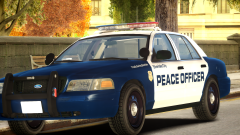
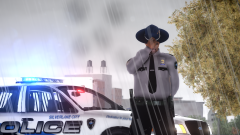
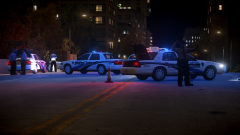
Silverlake Police takes Silverlake Residents back in time by taking one of their old patrol cars and placing it with two newer patrol units. The older patrol car is pictured on the left, with the newer units being in the center and on the right.
The old markings were in service from 2003-2014. Three old patrol cars remain in service for reserve duties and community service duties, and are rarely seen on Silverlake Streets as of this day.
Recommended Comments
Join the conversation
You can post now and register later. If you have an account, sign in now to post with your account.