




Silverlake Road Shut Down after Police Pursuit

By DukSezQuak
- 1,000 views
- View DukSezQuak's images
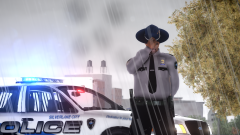
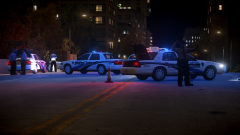
Three lanes of 64th avenue remain closed tonight after a police pursuit ensued for twenty minutes through the streets of Silverlake. Police were pursuing a stolen Dodge Viper that was located driving around in Lower Silverlake. The driver fled from police immediately, and led police on a lengthy pursuit which then ended on 64th Avenue after the suspect lost control of his vehicle. The suspect then got out of the vehicle and began to shoot at police with a firearm, resulting in the suspect being shot and killed by police.
A full investigation has been launched and the scene is still under investigation. No officers were physically harmed in the shooting and have been placed on administrative leave pending the outcome of the investigation. No other details are available at this time.
Full album: http://imgur.com/a/Fo5Ij
Recommended Comments
Join the conversation
You can post now and register later. If you have an account, sign in now to post with your account.