


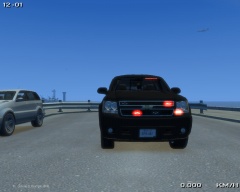
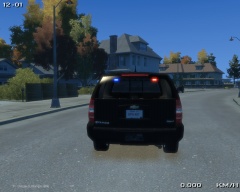
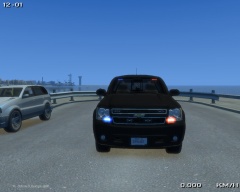
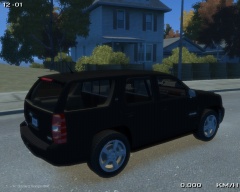
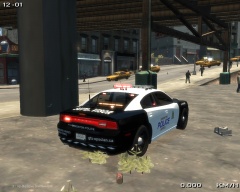
Unmarked Tahoe 1 (W.I.P)

By KN1IGHT
- 478 views
- View KN1IGHT's images
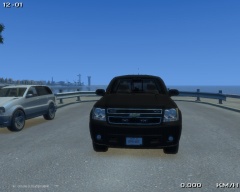
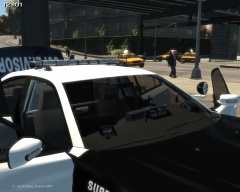
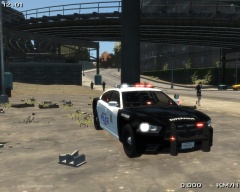
Just a Tahoe I started yesterday, when it was a slow day for GTA IV Multiplayer games
I started this, since I haven't found/ seen any Tahoes without the Steel Rims.
The wheels are from BxBugs' 2008 Chevy Suburban.
So far, for lighting, this Tahoe has:
- Whelen Inner Edge XLP
- SoundOff Intersector Mirror Lighting
- Mini LED Grille Lights
- Whelen Dominator
- Wig-Wags
- Hidden lighting in front (seen in front view with cruise lights activated)
- Hidden Reverse Light lighting
For parts:
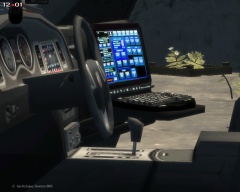
- 0taku's console
- BodyGuard 6,7 Partition
- BodyGuard 6,7 Partition as Cargo Barrier
- Garmin GPS Unit
- Panasonic Arbitrator Dash Camera
- Brother PocketJet Printer
- First Aid Kit
Copyright
© Knight Rider - Code Two Modifications
Recommended Comments
Join the conversation
You can post now and register later. If you have an account, sign in now to post with your account.