






LCPD fleet update

By HankVoight
- 574 views
- View HankVoight's images
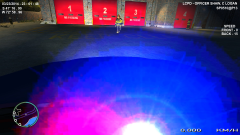
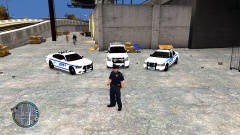
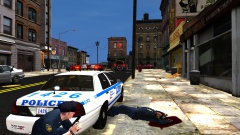
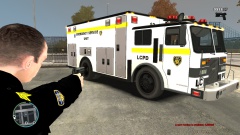
So finally after years of shitty cars and even worse light bars the Mayor of Liberty City pulled a finger out of his ass and funded the update of the older war torn vehicles the LCPD currently had in their possession. I give you the new fleet consisting of never CVPI models, Dodge Chargers and even a few Tahoe's all outfitted with the newest and brightest lights around the Federal Signal Vision SLR as well as Setina push bars to help you get an edge of that Liberty City traffic.
(Note - Neither the Liberty City Government or the LCPD condone nor advise the use of these push bars to "nudge" traffic out of the way. Please drive safely.)
Recommended Comments
Join the conversation
You can post now and register later. If you have an account, sign in now to post with your account.