


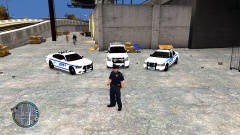
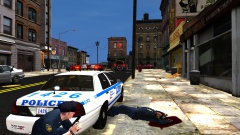
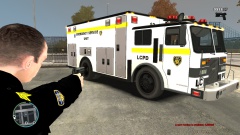


Officer down!

By HankVoight
- 738 views
- View HankVoight's images
The following is the radio chatter transcript from the 20th of Feb 2014 - Police shootout. 43 David.
43 David - "10-13, shots fired at the police, East Dillon St, Schottler. My partner is down, repeat my partner is down!"
Central - "Roger that 43 David, back up on the way"
Central - "Attention all units, attention all LCPD units officer down, repeat officer down East Dillon St , Schottler. All south units roll on location. All north units continue patrol unless advised. Fire and Medical will stage until area secure. ESU en route."
Central - "43 David any location on shooter?"
43 David - "Negative central, shot came from the front of the RMP after that shooter disappeared.... My partner needs help, where is that back up!"
Central - "10-4 David, Back up is 20 seconds out. Hold on."
Recommended Comments
Join the conversation
You can post now and register later. If you have an account, sign in now to post with your account.