


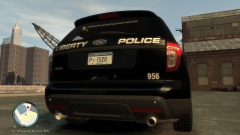
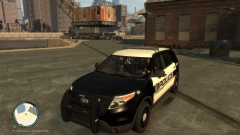
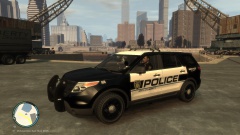
![[WIP] Slicktop Explorer](http://s3-gallery.int-cdn.lcpdfrusercontent.com/gallery/album_1177/sml_gallery_9139_1177_33296.jpg)
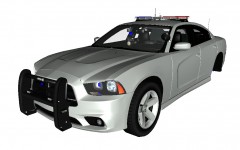
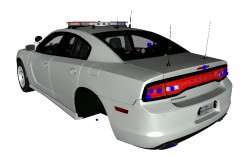
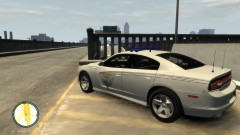


2013 Charger - Code 3 Rx2700

By NickieB
- 1,454 views
- View NickieB's images
The red/blue version of my Ohio State Patrol Charger with the Code 3 Rx2700. Has a integrated traffic adv. in the back of the bar. Pushbar has been added and some lighting adjusted to better fit the new setup. Will be released tomorrow, 9/16
Recommended Comments
Join the conversation
You can post now and register later. If you have an account, sign in now to post with your account.