



''Best Shot Worst Place''
.thumb.png.ecf43c03aae99a7abd3f5a0d930d62f9.png)
- 486 views
- View InnermostZero's images
Date/Time: 01:05 pm June 26th 2013.
----------
Nature: Gang Related Stabbing.
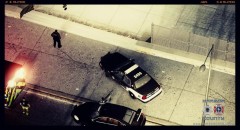
On Scene Personnel: Eagle 1, Medic 12, Medic 8, Unit 2T28 and 2C26.
Location: District 2, Algonquin, Vespucci Gardens, Apartment block 3.
----------
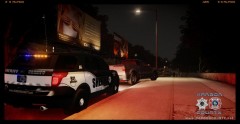
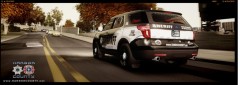
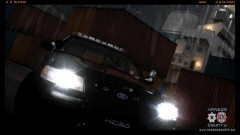
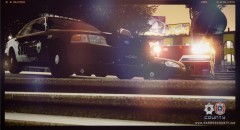
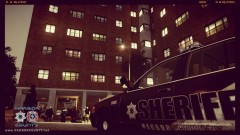
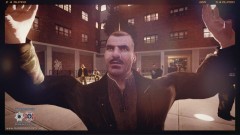
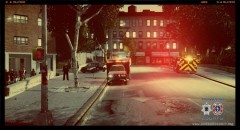
Incident Overview: 'Best Shot Worst Place'' refers to the best shot of the camera with the sun fighting the emergency lights of the Crown Victoria in the worst place for it ,with 2 stab victims behind the photographer crying for the medics to stop but wanting desperate help. The vehicle was placed there regarding scene control making it easy to roll up on the scene running to the victims but also blocking the path of any walkers by and not letting them have a look at the awful scenes making them take the long way. This is truly a sad moment as the HCSO PR photographer takes an amazing moment in nature under such awful terms for being present.
Recommended Comments
Join the conversation
You can post now and register later. If you have an account, sign in now to post with your account.