Skip to content
View in the app

A better way to browse. Learn more.

LCPDFR.com

A full-screen app on your home screen with push notifications, badges and more.

To install this app on iOS and iPadOS
  1. Tap the Share icon in Safari
  2. Scroll the menu and tap Add to Home Screen.
  3. Tap Add in the top-right corner.
To install this app on Android
  1. Tap the 3-dot menu (⋮) in the top-right corner of the browser.
  2. Tap Add to Home screen or Install app.
  3. Confirm by tapping Install.

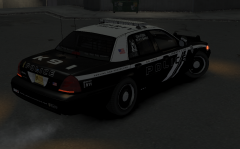
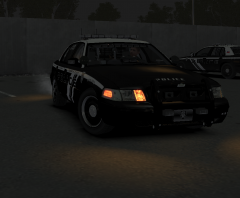
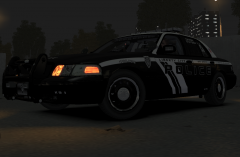
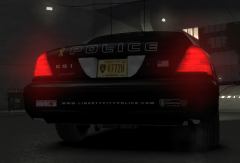
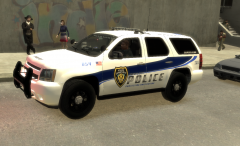
Black & White LCPD Fictional Skin pic 2

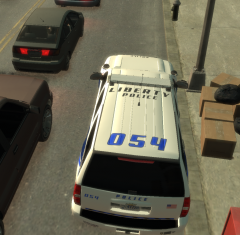
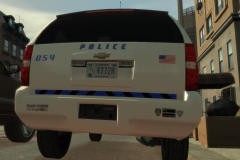
Took a front angled shot of the cvi with the skin on. Has a pretty slick front plate on it (which i made), the decals on the windows were from the original maker (bxbugs & crew), so again all credit there. Overall very pleased with how it turned out. I'll be posting this skin pack once I complete the next few skins "tahoe/charger" so stay tuned :). Hope you like it. If you think of any ideas to add to the skin feel free to suggest.

Cheers

Laz

  • From the album:

    My screens/publications/ect

    · 117 images

    Account

    Navigation

    Search

    Search

    Configure browser push notifications

    Chrome (Android)
    1. Tap the lock icon next to the address bar.
    2. Tap Permissions → Notifications.
    3. Adjust your preference.
    Chrome (Desktop)
    1. Click the padlock icon in the address bar.
    2. Select Site settings.
    3. Find Notifications and adjust your preference.