


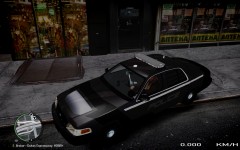


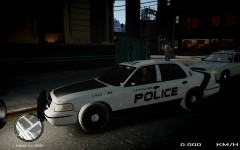


WIP 4th Car Texture

By KyneiZero
- 725 views
- View KyneiZero's images
Hood shot. I spent quite some time going over 4 different designs that i had for the hood. It needs some colouring alterations and it should look great. I think it is a little plain at the moment.
I have to admit though one of my fav designs for the hood had to be removed from the drawing board. It is a whole lot more detail and time intensive. And with the time at school and work picking up soon, had to cut it out and make do with what i had.
I want it done with and to have something to release. Just a feeling that i have of stuff being on the backburner and not being able to get back to.
Cheers for checking out my gallery.
KyneiZero
Recommended Comments
Join the conversation
You can post now and register later. If you have an account, sign in now to post with your account.