Skip to content
View in the app

A better way to browse. Learn more.

LCPDFR.com

A full-screen app on your home screen with push notifications, badges and more.

To install this app on iOS and iPadOS
  1. Tap the Share icon in Safari
  2. Scroll the menu and tap Add to Home Screen.
  3. Tap Add in the top-right corner.
To install this app on Android
  1. Tap the 3-dot menu (⋮) in the top-right corner of the browser.
  2. Tap Add to Home screen or Install app.
  3. Confirm by tapping Install.

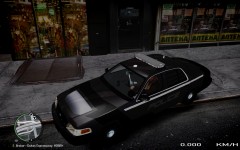
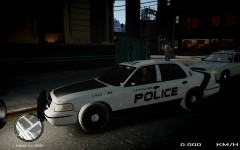
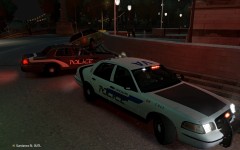
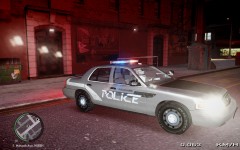
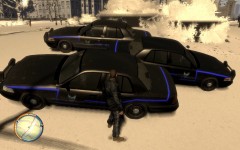
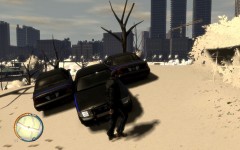
WIP 3rd Car Texture - Fictional Vancouver Police

This car texture is done. The idea started in January and there was a long hiatus of 6 weeks where i did not touch it at all. And that is how long it took me to figure out what i didnt like about it originally. Now i am really happy with it. I put a lot of energy and time working, making mistakes and learning.

I am done with it, time to move on and finish the other fictional car livery to complete the pair.

  • From the album:

    KZ Car Textures

    · 13 images

    Account

    Navigation

    Search

    Search

    Configure browser push notifications

    Chrome (Android)
    1. Tap the lock icon next to the address bar.
    2. Tap Permissions → Notifications.
    3. Adjust your preference.
    Chrome (Desktop)
    1. Click the padlock icon in the address bar.
    2. Select Site settings.
    3. Find Notifications and adjust your preference.