
Skip to content
View in the app

A better way to browse. Learn more.

LCPDFR.com

A full-screen app on your home screen with push notifications, badges and more.

To install this app on iOS and iPadOS
  1. Tap the Share icon in Safari
  2. Scroll the menu and tap Add to Home Screen.
  3. Tap Add in the top-right corner.
To install this app on Android
  1. Tap the 3-dot menu (⋮) in the top-right corner of the browser.
  2. Tap Add to Home screen or Install app.
  3. Confirm by tapping Install.

Emergency uniforms pack - Law & Order 9.3.1

(236 reviews)

10 Screenshots


632635363_EUPlw.png.08a8e4d613dc7a278fc352b6b57ce8a2.png

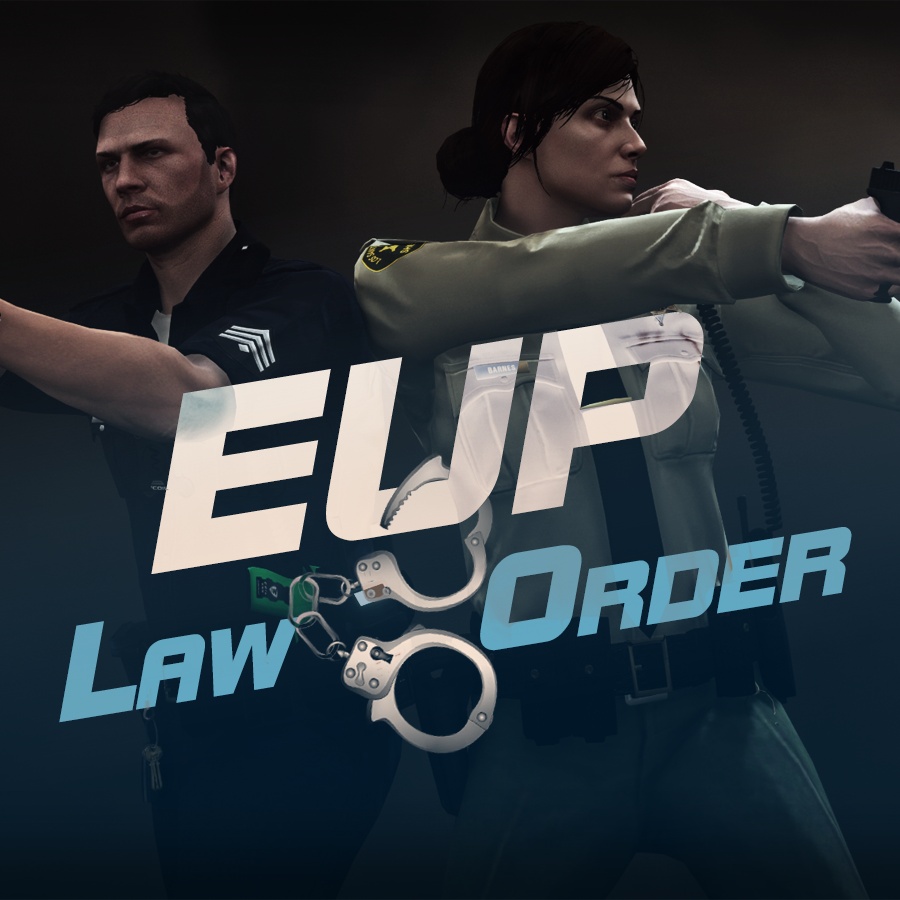
EUP is an all-in-one modification that gives us the free range to create your own law enforcement officer as you patrol the streets and roads of San Andreas. U mad Ronson?

This time, play different - be different. Adapt your style to the situation. Get your gear on - use a High-Vis vest to direct traffic, a waterproof jacket on a rainy day or a tactical outfit when the situation gets hot. Choose from various lore-friendly departments base of real life. Customize various components of your outfits.

The mod that started as a holster and a vest retexture, now so expansive, most Australians finish downloading it right when an update comes out. Emergency Uniforms Pack Law & Order 8.2 offers an unrivaled catalog of lore-friendly California-inspired law enforcement uniforms for both male and female multiplayer characters. From tasteful evolutions of the classic LSPD outfits, you see AI cops wearing, to dozens of uniforms for entirely new lore-friendly law enforcement departments based on real-world California departments. Emergency Uniforms Pack has it all, and when tied with partner mods such as EUP Serve and Rescue, EUP Menu, and EUP LSPDFR Configs, you can totally transform your LSPDFR experience.

Creative Commons License
This work is licensed under a Creative Commons Attribution-NonCommercial-ShareAlike 4.0 International License.


If you were you were looking for the latest version of EUP and wish to support our work click the button down below:

Patreon

 
This mod is a free mod, the beta versions of EUP accessible only through our patreon page, is a tool for us to support the development of the mod and create a platform to interact with the community, 5 years later this mod became my main ''job'' and source of income, thanks to all the fans and supporters. Which means more quality and enhancements, since I can allow all my time to it and invest money into assets and programs.

The public version is still important to us and will receive updates, which is only made possible through our membership system.


For General discussions, beta registration, support, images contest and more follow join our Discord Server:


EUP Discord


Add-Ons


In order to select and customize outfits, you NEED to get the menu here:


Need help? Something went wrong? Not sure how to proceed?
Leave the comments and reviews alone, we don't really monitor them.


Follow the link to EUP Discord for help or comments


Edited by Alex_Ashfold
Links update

What's New in Version 9.3.1

Released

jsut updating the version umber to display a more accurate one. No need to downloand and reinstall, no new content.


Short Description

https://www.patreon.com/alex_ashfold

User Feedback

Recommended Comments

PappaSoupDog

Members

I  love the EUP, I like how we can change the looks of each item I may get the newest verion!

Balink0605

Members

👌

Savka2

Members

Hello! This mod is awesome, but help please, how to download it? I can't understand

q5p

Members

On 12/19/2023 at 9:30 AM, Savka2 said:

Hello! This mod is awesome, but help please, how to download it? I can't understand

really simple install shouldn't take long and its hassle-free, once installed open up openiv (which you should already have.) then drag the oiv file into openiv, and it should prompt you where to install, ALWAYS make sure your installing in the "mods" folder incase you make a mistake during installation you can delete the mods folder and create a new file named "mods", never ever install any oiv file into directly into the game folders, it can always corrupt and screw your game and you'll be forced to re-install the whole game, which can be fusturating. hope this helps! :thumbsup:

HasiqTR

Members

👍

VIZS

Members

without it the game feels much worse


Brycethegoat021

Members

when i open lspdfr and loadplugin it says missing dlcs and those dlcs are mpgunrunning,mpcrhistmas2017,mpheist3,mpheist4 can anyone help

OperationJoe

Members

(edited)

nvm

Edited by OperationJoe

RAXONHILL

Members

when I install this OIV it downloads some text file can someone help me

Xlithan

Members

Hello there,


I've noticed the files in Serve & Rescue have the same file names as some of those in Law & Order. Does Serve & Rescue replace some of the clothing items used in Law & Order?


Thanks.

le000on

Members

I have the problem that many Uniforms are with wrong clothes, like a hoode or something familiar. Where is the problem?

Kingtutuk

Members

Can someone tell me the decal number for blaine county please. Can not find it with eup menu create uniform or in station locker.
Thanks in Advance.

Sheepdogvalley

Members

9 minutes ago, Kingtutuk said:

Can someone tell me the decal number for blaine county please. Can not find it with eup menu create uniform or in station locker.
Thanks in Advance.

Are you by chance looking for Top and it's BCSO texture? here's my examples. Hopefully this gets you the answer you need. 
See below.
 

Spoiler

[Male BCSO Uniform Class A]
Gender=Male
Hat=14:2
Glasses=0:0
Ear=0:0
Watch=0:0
Mask=1:1
Top=201:4
UpperSkin=5:1
Decal=1:1
UnderCoat=39:1
Pants=23:9
Shoes=52:1
Accessories=9:1
Armor=42:1
Parachute=55:1


[Male BCSO Uniform Class B]
Gender=Male
Hat=136:24
Glasses=0:0
Ear=0:0
Watch=0:0
Mask=1:1
Top=194:4
UpperSkin=5:1
Decal=1:1
UnderCoat=39:1
Pants=23:9
Shoes=52:1
Accessories=9:1
Armor=42:1
Parachute=55:1


[Male BCSO Uniform Class C]
Gender=Male
Hat=136:24
Glasses=0:0
Ear=0:0
Watch=0:0
Mask=1:1
Top=191:4
UpperSkin=12:1
Decal=1:1
UnderCoat=39:1
Pants=23:9
Shoes=52:1
Accessories=9:1
Armor=40:1
Parachute=55:1


Sheepdogvalley

Members

29 minutes ago, callmeeJ said:

mine keeps on crashing. and i did everything


To potentially resolve the crashing problem, update RageNativeUI to the newest version. You'll find the download link within my mods list. Installing the latest update will rectify compatibility issues that lead to crashes.

1XERO1

Members

Hello, I've subscribed to the EUP Patreon, but I'm unable to join the Discord server as I keep receiving a message stating "Whoops... Couldn't accept invite". Even after 3 days of trying, all attempts to communicate with an EUP Team member through the Patreon chats have been unsuccessful and I'm still unable to access EUP 9.7 in any way. Is there another way for me to access the mod that doesn't require Discord, as that seems to be broken?

Deactivated Member

Deactivated

(edited)

This mod does not work with the newest version.

It crashes with the message "Please reboot and restart the game." If I remove EUP the game starts and works fine.

Edited by xXAlduin99

SolarWarden

Members

(edited)

On 6/28/2024 at 4:04 PM, xXAlduin99 said:

This mod does not work with the newest version.

It crashes with the message "Please reboot and restart the game." If I remove EUP the game starts and works fine.

I am getting the exact same thing.


Clean install, and a fresh mod folder, yet when EUP is installed, there is a 100% reproducible CTD that says "Please reboot and restart the game."


Everything is fine and dandy until I install EUP.

Edit: After some research, the issue others and I are having can be fixed with downloading the Packfile Limit Adjuster. EUP is installed and working as long as that is also installed.

Edited by SolarWarden

Deactivated Member

Deactivated

(edited)

15 hours ago, SolarWarden said:

I am getting the exact same thing.


Clean install, and a fresh mod folder, yet when EUP is installed, there is a 100% reproducible CTD that says "Please reboot and restart the game."


Everything is fine and dandy until I install EUP.

Edit: After some research, the issue others and I are having can be fixed with downloading the Packfile Limit Adjuster. EUP is installed and working as long as that is also installed.

Thank you. I will try it.

Edited by xXAlduin99

deeman

Members

Great plugin thanks 

Cod8091

Members

is there a readme file to install it, i do not know where to put the file


Create an account or sign in to comment

Latest Mods

Account

Navigation

Search

Search

Configure browser push notifications

Chrome (Android)
  1. Tap the lock icon next to the address bar.
  2. Tap Permissions → Notifications.
  3. Adjust your preference.
Chrome (Desktop)
  1. Click the padlock icon in the address bar.
  2. Select Site settings.
  3. Find Notifications and adjust your preference.













