


This is for people who enjoy pictures attached to their cars via Add-On spawner.
Looks something like this in-game 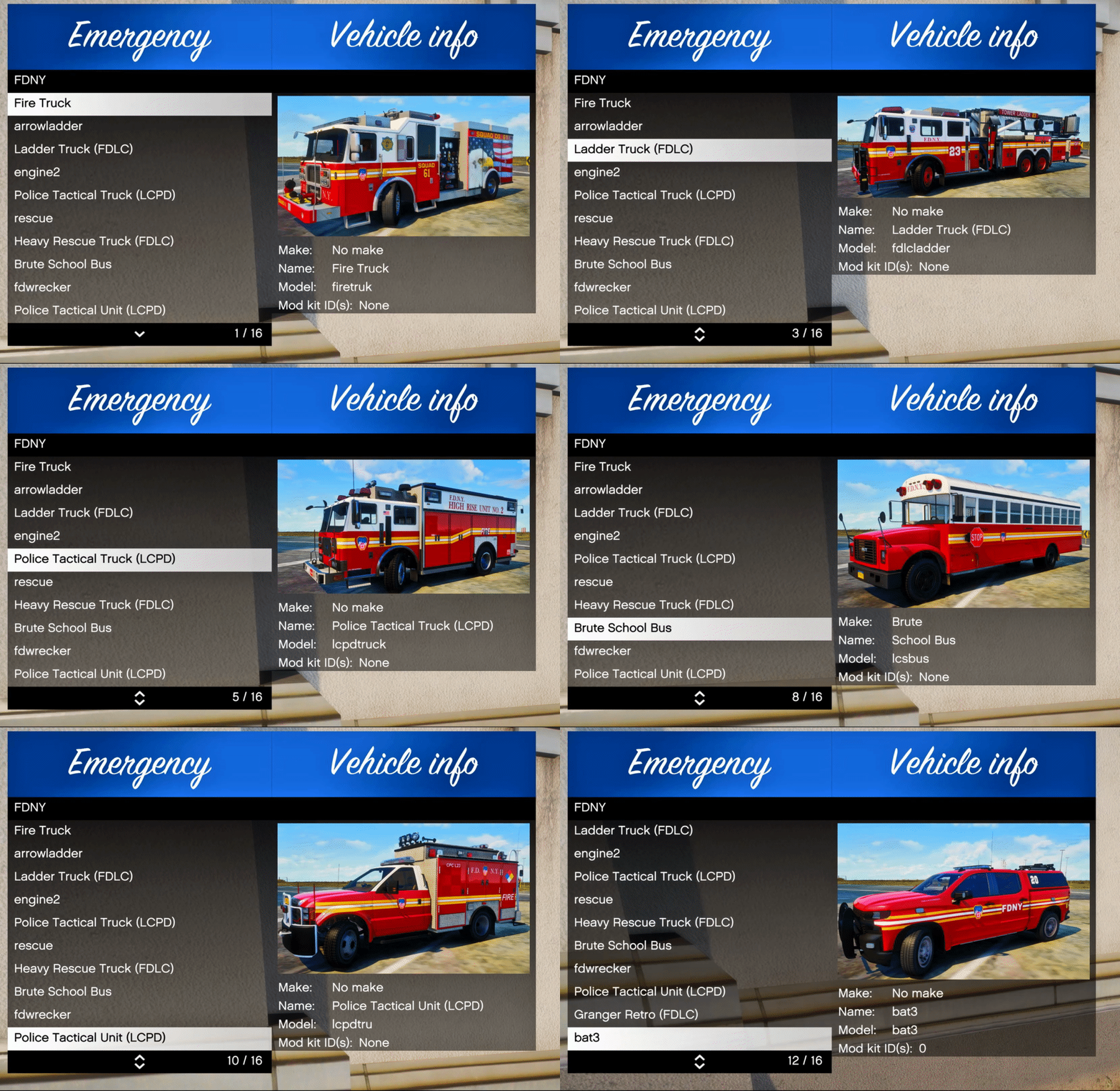
The images are 4k, but the ones on LSPDFR are 1080p because of image limits.
If you would like a pack done, send me a message.
Installation For Replace:
Drag and drop into your main GTAV folder.
It will replace images for the default police vehicles if you have any already.
Installation For Addon:
If you used these vehicles as addons, instead of replace, simply rename the image files to that vehicle model. e.g. police>nypd1
In UserDLC/NYPD Walters.list open that with notepad and rename as well.
Required Files:
https://www.gta5-mods.com/scripts/add-on-vehicle-spawner
By @Walters
Edited by Pavy




![[ELS][REPLACE] 2020 Skoda Octavia Městská policie Praha (New design)](http://s3-screenshots.int-cdn.lcpdfrusercontent.com/resize/500/-/monthly_2026_05/20260514222354_1.thumb.jpg.dedd1cd5cdf14716666af6abfa71508d.jpg)


.thumb.png.a0f80464539c2dd42ee2519c1bda91f2.png)

![Generic Whelen 2023 F150 B/B [FiveM & Single Player]](http://s3-screenshots.int-cdn.lcpdfrusercontent.com/resize/500/-/monthly_2026_05/enb2026_5_13_15_23_48_06.thumb.png.ecbdfb941234f496e3fd959033f602d4.png)






Recommended Comments
Create an account or sign in to comment