






Discord: https://discord.gg/AuJCUag
Features:
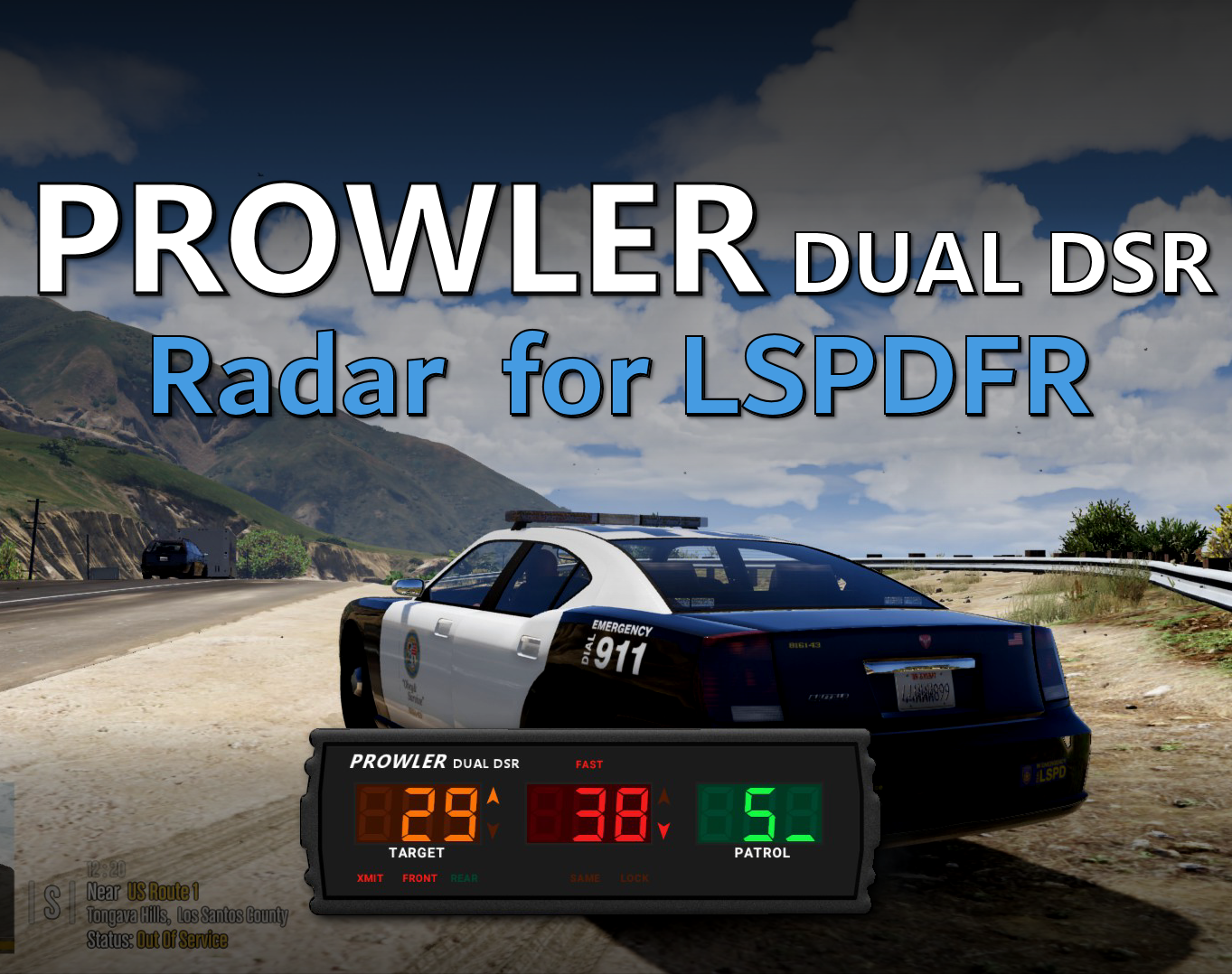
- A realistic radar system based on the real-world Stalker Dual DSR
- Four different modes including stationary and moving
- A "fast" tracker to differentiate between strongest and fastest signal
- An "auto lock" feature that allows you to set a maximum speed
Edited by opus49
Updated credits
What's New in Version 1.3.1
Released
Prowler Radar 1.3
- Added on screen remote control
- Added doppler sounds
- Added "debug mode" so you can see the radar logic in real time
- Made beam width configurable
- Made police vehicle requirement optional
- Added plate reader
-
Added minimum target speed
Short Description
A realistic police radar.
Written by BenH and Opus49
Special Thanks to WolfKnight179 and wid3spreadpanic and the Prowler Team: DAG403 and DuffMan.
Additional thanks:
Benzo
Charlie686
DevinPlays
ETHBoT2004
Lenny
LT. Shadow Wolf
manu450
Thota
Special Thanks to WolfKnight179 and wid3spreadpanic and the Prowler Team: DAG403 and DuffMan.
Additional thanks:
Benzo
Charlie686
DevinPlays
ETHBoT2004
Lenny
LT. Shadow Wolf
manu450
Thota





![[NON ELS] [ULC] California Themed Whelen Mini Pack (LSPD, SVPD, PBPD)](http://s3-screenshots.int-cdn.lcpdfrusercontent.com/monthly_2026_09/w.thumb.webp.3328b0a1e36c58ba365cefbfc6fdb758.webp)
![Porsche GT3RS Glasslight [FiveM Ready] (GL Customs)](http://s3-screenshots.int-cdn.lcpdfrusercontent.com/resize/500/-/monthly_2026_09/Screenshot2026-09-07184903.thumb.png.13cd0b82a5090782e7254b79b5ef38ff.png)
![Ubermacht Rebla GTS Unmarked FIB [NON-ELS] [Replace] [Add-On]](http://s3-screenshots.int-cdn.lcpdfrusercontent.com/resize/500/-/monthly_2026_09/3.thumb.png.d3743291ff3fef15608f0978fa287cac.png)





Recommended Comments
Create an account or sign in to comment