Skip to content
View in the app

A better way to browse. Learn more.

LCPDFR.com

A full-screen app on your home screen with push notifications, badges and more.

To install this app on iOS and iPadOS
  1. Tap the Share icon in Safari
  2. Scroll the menu and tap Add to Home Screen.
  3. Tap Add in the top-right corner.
To install this app on Android
  1. Tap the 3-dot menu (⋮) in the top-right corner of the browser.
  2. Tap Add to Home screen or Install app.
  3. Confirm by tapping Install.

Gotham Police Officer 1.2

(3 reviews)

2 Screenshots

This is the not my first Mod. but it is the first one I have uploaded.

Its basic I changed the patch and the badge.

if there are any problems please tell me and I'll try and get them fixed

Now I'm not a Batman fan but i thought it would be a good idea to put this up

Enjoy!

New version GPD V2

What's New in Version 1.2

Released

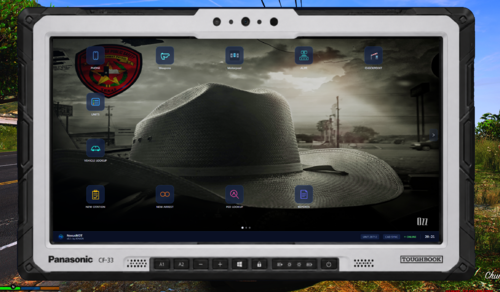
  • Added Police Hat
  • Edited Police Uniforms
  • Added GPD police coat texture
  • Fixed Badge
  • Removed unusable textures from file

User Feedback

Recommended Comments

cw5110

Members

Batman would be proud.

CouthInk4

Members

Looks epic :D :D Batman WILL be proud xD

ThatRandom

Members Author

thanks I'm working on making a few changes to improve it.

1JohnBlake1

Members

Hhehe Can one be John Blake? :D

ThatRandom

Members Author

Maybe. But you might have to do that yourself. I don't have that movie so I can't check what he looks like

Create an account or sign in to comment

Account

Navigation

Search

Search

Configure browser push notifications

Chrome (Android)
  1. Tap the lock icon next to the address bar.
  2. Tap Permissions → Notifications.
  3. Adjust your preference.
Chrome (Desktop)
  1. Click the padlock icon in the address bar.
  2. Select Site settings.
  3. Find Notifications and adjust your preference.