


Hi everyone,
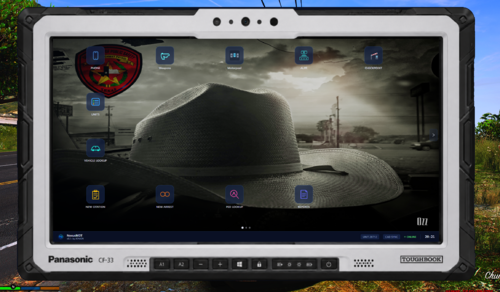
It's been a long time since I've shared any textures. I've been working on this small little pack for a little while cause I wasn't quite satisfied with the results and kept redoing it. Today I finally decided I was happy enough with the results to release them, though I still don't consider them perfect by any means.
This pack is more dear to me than my last packs, as this pack actually has some meaning behind it.
This small pack is in memory of our recently fallen Deputy - Deputy Heath "Gumball" Gumm. Deputy Gumm was murdered in the line of duty last month while responding to an assault-in-progress call. It's been a rough few weeks for our agency, and for the state as a whole.
I hope you enjoy these textures, all I ask is that you take a moment to reflect on the sacrifice made by Deputy Gumm and so many other officers already this year.
Please let me know if you have any questions or concerns in the comments.
What's New in Version 1215.2
Released
New in V1215.2
-Added new and old style textures for Jedahdiah's SASP Expedition.
















Recommended Comments
Create an account or sign in to comment