Skip to content
View in the app

A better way to browse. Learn more.

LCPDFR.com

A full-screen app on your home screen with push notifications, badges and more.

To install this app on iOS and iPadOS
  1. Tap the Share icon in Safari
  2. Scroll the menu and tap Add to Home Screen.
  3. Tap Add in the top-right corner.
To install this app on Android
  1. Tap the 3-dot menu (⋮) in the top-right corner of the browser.
  2. Tap Add to Home screen or Install app.
  3. Confirm by tapping Install.

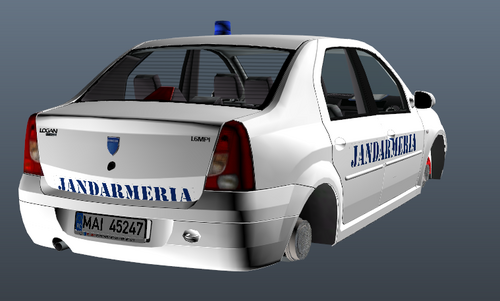
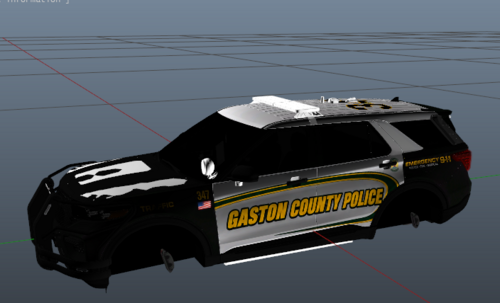
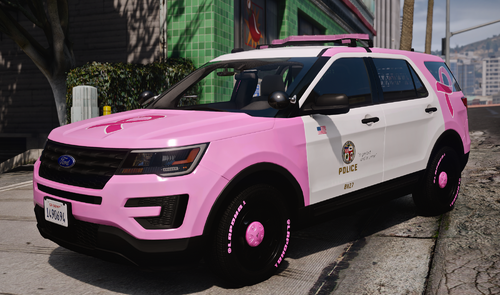
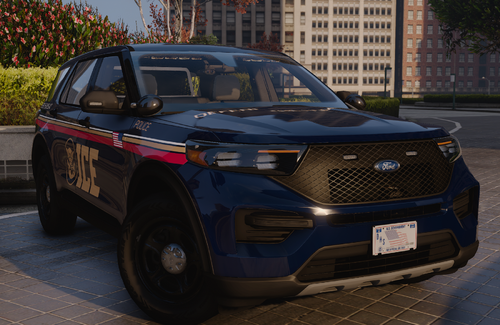
6 Screenshots

🇺🇸 English

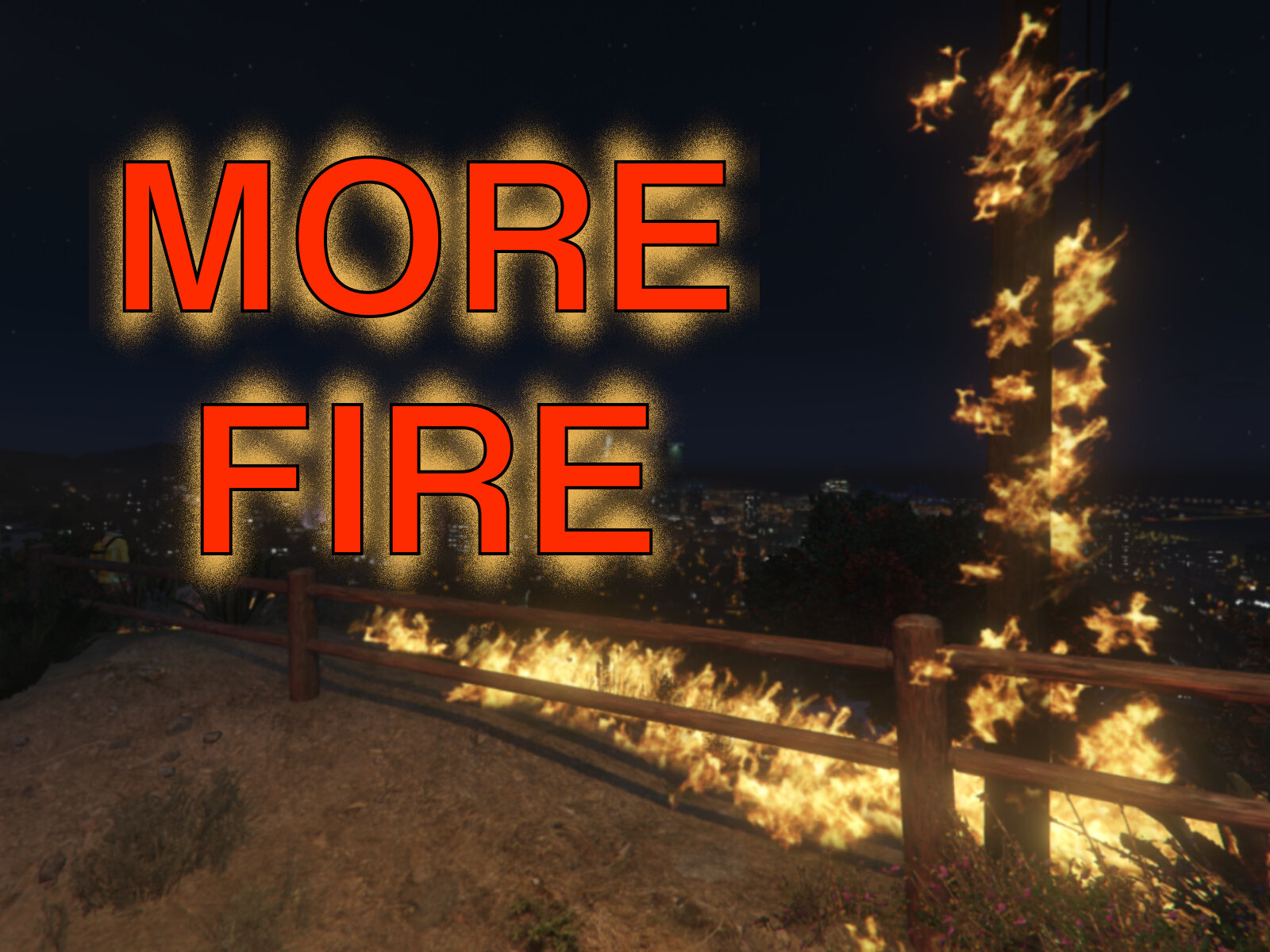
This RAGEPluginHook plugin make fires burn longer/spread further.
It also adds a console command : RemoveAllFire which... removes all fires.


Preview :


🔧 Configuration

You can adjust some settings in the .ini file :

  • The fire duration,

  • The max number of fires (Auto or a specific number),

  • The radius of fire propagation (how fast it spreads),

  • The fire extinguishers' efficiency.

  • The radius of the effect produced by fire trucks (customizable vehicle list): fires will stop spreading in this radius around the vehicles.

  • If the player should be fire proof


Know issues

  • Water hoses on trucks are not effective (Added the fire truck effect as a temporary workaround).


📂 Installation
1. Prerequisites

  • RAGE Plugin Hook

2. Installation

Open the downloaded .zip archive, then drag and drop the contents of the “Grand Theft Auto V” folder into your game folder.
Note: If you have modified the configuration file (.ini), compare the two instead of replacing the file.

After installation, you should have the following files:

  • [Game folder]/plugins/MoreFire.dll

  • [Game folder]/plugins/MoreFire.ini

3. Enable the plugin

  • Automatically on startup: go to RPH settings > “Plugins” tab > check that the plugin is selected (or that all plugins are loaded on startup).

  • Manually in-game: Open the RPH console and type LoadPlugin MoreFire.dll


🔗 Links

Source code : github.com/SSStuart/MoreFire_RPHPlugin
Discord : @ssstuart


- - - - - - - - - -


🇫🇷 Français

Ce plugin RAGEPluginHook permet aux feux de brûler plus longtemps et de se propager plus.

Il ajoute également une commande : RemoveAllFire qui éteint tous les feux.

Vidéo de présentation : voir la partie en anglais.


🔧 Configuration

Vous pouvez ajuster certains paramètres dans le fichier .ini :

  • La durée du feu,

  • Le nombre maximum de feux (Auto ou un nombre spécifique),

  • Le rayon de propagation du feu (à quel vitesse il se propage),

  • L'efficacité des extincteurs,

  • Le rayon d'action des camions de pompiers (liste de véhicules personnalisable) : les feux cesseront de se propager dans ce rayon autour des véhicules,

  • Si le joueur devait être résistant au feu.


Problèmes connus

  • Les lances à eau des camions ne sont pas efficaces (Ajout de l'effet "camion de pompier" comme solution temporaire).


📂 Installation
1. Prérequis

  • RAGE Plugin Hook

2. Installation

Ouvrez l'archive .zip téléchargée, puis glissez le contenu du dossier “Grand Theft Auto V” dans votre dossier du jeu.

Remarque : si vous avez modifié le fichier de configuration (.ini), comparez les deux fichiers au lieu de remplacer le fichier.

Après l'installation, vous devriez avoir les fichiers suivants :

  • [Game folder]/plugins/MoreFire.dll

  • [Game folder]/plugins/MoreFire.ini

3. Activation du plugin

  • Automatiquement au lancement : allez dans les paramètres de RPH > onglet "Plugins" > vérifiez que le plugin est coché dans la liste (ou que tous les plugins sont chargés au lancement).

  • Manuellement en jeu : Ouvrez la console RPH et entrez LoadPlugin MoreFire.dll


Liens : Voir la partie en anglais.

Edited by SSStuart
Added new infos related to v0.1.5

What's New in Version 0.1.5

Released

0.1.5

  • Added an effect around fire truck vehicles : fires in the radius of thoses vehicles will stop spreading (and stop a bit quicker).

    (Temporary workaround for the fire truck hoses)

  • Added new settings to adjust this behavior :

    • FireTruckModels : the list of vehicle models affected by this effect,

    • FireTruckEffectRadius : the radius of the effect around the vehicles.

  • Fixed the incorrect Assembly version in the previous update. (sorry for the incorrect update notifications)
    Reported by @ForgedByGrace7, thanks.

Previous versions

0.1.4

  • Added a setting to automatically adjust the maximum number of fires.

  • Update Checker : You can disable the update checks in the /plugins/SSStuart_UpdateChecker.ini file (you need to load the plugin at least once to initialize the file)

0.1.3

  • Added a setting to define if the player should be fire proof (Requested by Michael21107)

  • Code refactoring and optimization (Based on advice from marcelwrld regarding distance calculation)

0.1.2

  • Added a setting to control the max number of fires.

  • Code refactoring and optimization.

  • Added an Update Check system for future versions.

0.1.1

Added configuration (.ini) file.

0.1.0

Initial release.


Short Description

Make fires last longer and spread more

User Feedback

Recommended Comments

0pheIia

Members

Los Santos Fire Department Chief stated in an interview recently that his firemen are tired and exhausted💔 and now they have more work to do😓 

BlueLine Vibes

Insiders

My 'accidental' Molotov landed on the freeway, and now traffic has decided to forgo standard road rules and become a spontaneous, 20-minute-long artistic explosion. It's the only time you'll see Christmas and the 4th of July perfectly fused into one glorious, fiery gridlock. 🎁💥🚗🔥  

mike301

Members

Hello, I am noticing an issue where the Firetruck hose does not have any effect on the fire. Is this possible to fix?

SSStuart

Members Author

12 hours ago, mike406 said:

Hello, I am noticing an issue where the Firetruck hose does not have any effect on the fire. Is this possible to fix?

Hello,

Given how the plugin works, this seems normal, but I haven't found a fix for that yet.

JBin818

Members

That looks good.  I'll have to try this out.  The only reason I would try it is mainly because if there is a vehicle fire, by the time FD gets there, the fire has gone out.  Happens almost every single time.  Even when the vehicle burns for a while and finally explodes the fire still goes out just when FD arrives.  I know I can change the FD response time but I like the delayed response I have it at.  I don't want them coming too quick!  So this fire duration time would be a good solution to that.  As long at the FF's can put it out once they get there or do we have to wait for the duration time to complete?  I'll have to mess with it and see.  It's great there is this fire mod.  Playing Gta there are a lot of fire and explosions.  The only fire upgrade I knew was Ambient FX from way back when just to make the fire look better.  I'll try this out and get back.   

ForgedByGrace7

Members

Diggin this mod, but a fix for the firetruck hose to work putting out the fire would be sick!

SSStuart

Members Author

21 hours ago, ForgedByGrace7 said:

Diggin this mod, but a fix for the firetruck hose to work putting out the fire would be sick!

Yes, that would be much better.
It even seems like there's a native (function) that would help me, but I can't get it to work... 🫤

ForgedByGrace7

Members

I have the most up to date version posted here, but when I launch the game it says I need to update.

SSStuart

Members Author

(edited)

20 hours ago, ForgedByGrace7 said:

I have the most up to date version posted here, but when I launch the game it says I need to update.

Oops, that's my bad. I forgot to build the plugin with the correct assembly version 🤦.
You shouldn't receive any more update notifications for now, until I fix the issue in the next version.
Fixed

Edited by SSStuart

Create an account or sign in to comment

Latest Mods

Account

Navigation

Search

Search

Configure browser push notifications

Chrome (Android)
  1. Tap the lock icon next to the address bar.
  2. Tap Permissions → Notifications.
  3. Adjust your preference.
Chrome (Desktop)
  1. Click the padlock icon in the address bar.
  2. Select Site settings.
  3. Find Notifications and adjust your preference.