Skip to content
View in the app

A better way to browse. Learn more.

LCPDFR.com

A full-screen app on your home screen with push notifications, badges and more.

To install this app on iOS and iPadOS
  1. Tap the Share icon in Safari
  2. Scroll the menu and tap Add to Home Screen.
  3. Tap Add in the top-right corner.
To install this app on Android
  1. Tap the 3-dot menu (⋮) in the top-right corner of the browser.
  2. Tap Add to Home screen or Install app.
  3. Confirm by tapping Install.
Due to overzealous filtering on Microsoft’s side, some emails to Outlook and Hotmail addresses may not be delivered. If you’re affected, please use a different email address or try again later.

Stop The Ped - Spanish Version. 1.0.2

(0 reviews)

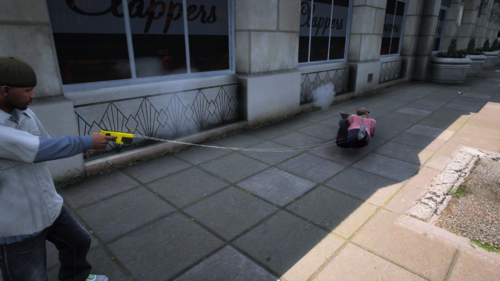
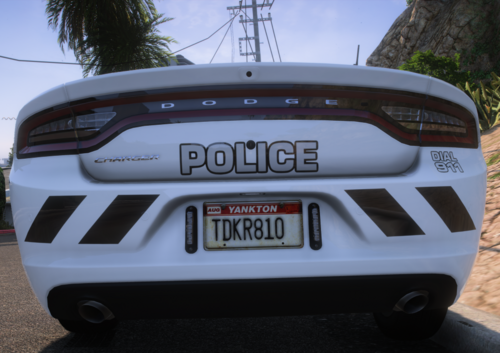
1 Screenshot

Stop The Ped - Spanish Version (v1.0.2)

¡Hola a todos!

Quiero dar un enorme agradecimiento a toda la comunidad de LSPDFR y GTA V por su constante apoyo y por hacer posible que modificaciones tan increíbles como esta puedan ser disfrutadas por todos. Su entusiasmo y colaboración son el motor que mantiene viva esta gran comunidad.

Esta es la traducción completa al español para Stop The Ped.

La versión más nueva de la Spanish Version es la 1.0.2.

Instalación

Simplemente arrastra y reemplaza los archivos XML y el archivo Localization.ini dentro de la carpeta Plugins/LSPDFR/StopThePed de tu directorio principal de Grand Theft Auto V.

¡Espero que disfruten de su patrullaje en español!

Edited by GonzaDev112

User Feedback

Recommended Comments

There are no comments to display.

Create an account or sign in to comment

Account

Navigation

Search

Search

Configure browser push notifications

Chrome (Android)
  1. Tap the lock icon next to the address bar.
  2. Tap Permissions → Notifications.
  3. Adjust your preference.
Chrome (Desktop)
  1. Click the padlock icon in the address bar.
  2. Select Site settings.
  3. Find Notifications and adjust your preference.