3,910 files
-

- 617 Downloads
- 9385 Views
- 30.17 MB File Size
- 4 Comments
Updated -

- 25 Downloads
- 1527 Views
- 3.65 MB File Size
Updated -

- 1,396 Downloads
- 21675 Views
- 3.4 MB File Size
- 4 Comments
Updated -
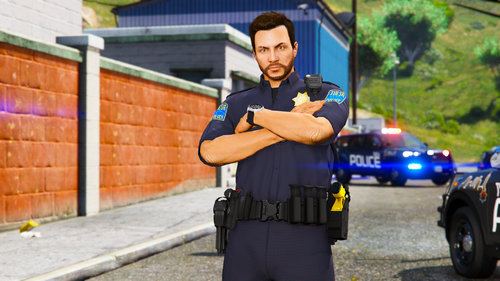
- 185 Downloads
- 3544 Views
- 8.95 MB File Size
- 4 Comments
Updated -

- 960 Downloads
- 11513 Views
- 18.86 MB File Size
- 6 Comments
Updated -
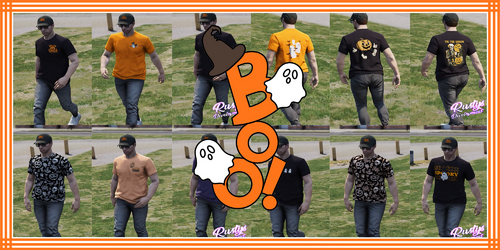 [Male / Female / Add-On / Replace / FiveM]
- 77 Downloads
- 2167 Views
- 75.04 MB File Size
Updated -
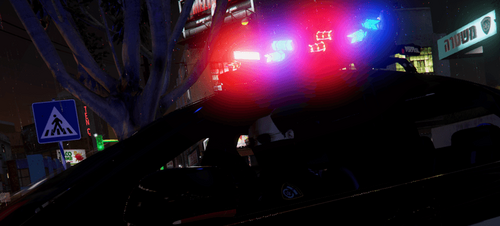 Israel Police softshell jacket
- 154 Downloads
- 2836 Views
- 29.56 MB File Size
Updated -
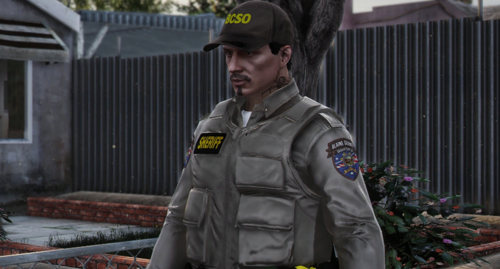
 San Mateo County Sheriff's Office [CA] Includes: Classes A-C Patrol Pants Patrol Cargos [Addon] My Discord: https://disc
- 248 Downloads
- 4314 Views
- 2.7 MB File Size
- 1 Comments
Updated -

- 35 Downloads
- 2008 Views
- 1.57 MB File Size
Updated -
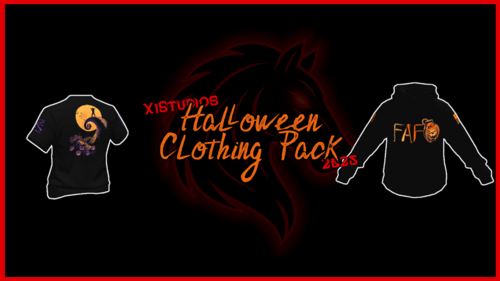 Halloween Clothing Pack (X1S)
- 120 Downloads
- 3659 Views
- 29.46 MB File Size
Updated -

- 593 Downloads
- 7865 Views
- 38.43 MB File Size
- 5 Comments
Updated -

- 337 Downloads
- 5095 Views
- 55.37 MB File Size
- 2 Comments
Updated -
- 749 Downloads
- 9386 Views
- 32.9 MB File Size
- 6 Comments
Updated -

- 644 Downloads
- 6767 Views
- 4.32 MB File Size
- 1 Comments
Updated -

- 975 Downloads
- 10187 Views
- 47.39 MB File Size
- 13 Comments
Updated -
- 749 Downloads
- 11461 Views
- 35.18 MB File Size
- 2 Comments
Updated