


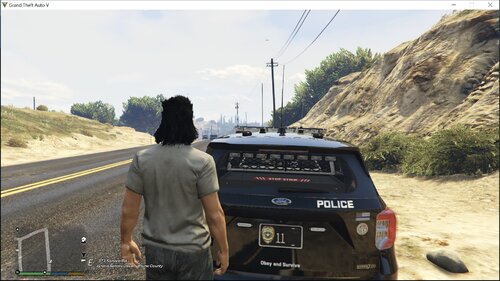
This is based on the Washington State Patrol S.W.A.T meant to look exactly how it does in real life
The links to the EUP packs you will need (Also provided in the readme)
https://www.gta5-mods.com/misc/mpclothes-addon-clothing-slots
Credits to Trooper Crystle for making the textures and Hanko for making the EUP models
Edited by Trooper Crystle
Short Description
This is based on the Washington State Patrol S.W.A.T meant to look exactly how it does in real life
Trooper Crystle For Making The Textures And Hanko For Making The EUP Models


.thumb.png.1204360f255576d56e92a6424aff328e.png)


![[EUP] Merryweather Security Mini-Pack](http://s3-screenshots.int-cdn.lcpdfrusercontent.com/resize/500/-/monthly_2026_07/271590_12.thumb.jpg.470e8fbf575eee28324aa8adedd253b0.jpg)








Recommended Comments
Create an account or sign in to comment