


412moneybagzz
-
Joined
-
Last visited
Everything posted by 412moneybagzz
-
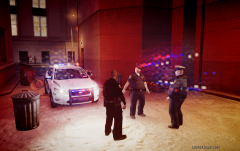
From the album: Pittsburgh Police Epic Enb Shots
-
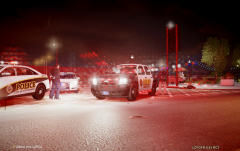
From the album: Pittsburgh Police Epic Enb Shots
-
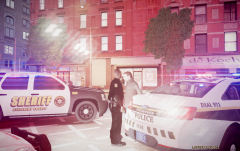
From the album: Pittsburgh Police Epic Enb Shots
-
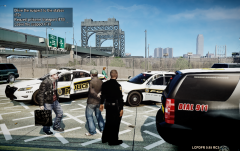
From the album: Pittsburgh Police Epic Enb Shots
-
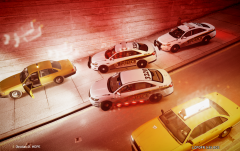
From the album: Pittsburgh Police Epic Enb Shots
-
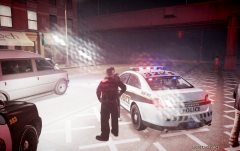
From the album: Pittsburgh Police Epic Enb Shots
-
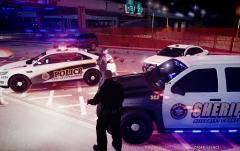
From the album: Pittsburgh Police Epic Enb Shots
-
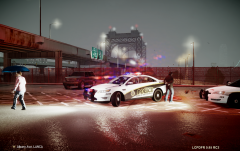
From the album: Pittsburgh Police Epic Enb Shots
-
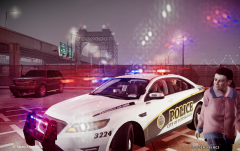
From the album: Pittsburgh Police Epic Enb Shots
-
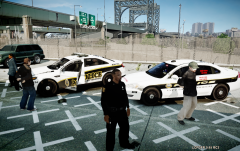
From the album: Pittsburgh Police Epic Enb Shots
-
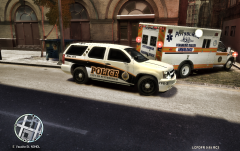
From the album: Pennsylvaina Police Units and more
arriving at murder scene. -
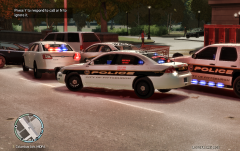
From the album: Pennsylvaina Police Units and more
Old Graphics on the car, but the k-9 has not got the new Taurus yet, or the new Pitt graphics -
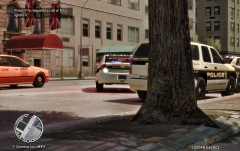
From the album: Pennsylvaina Police Units and more
Pitt Police Old Graphics and New. -
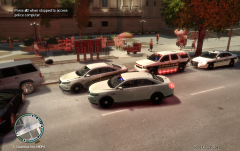
From the album: Pennsylvaina Police Units and more
After Suspect was Caught And arrested. -
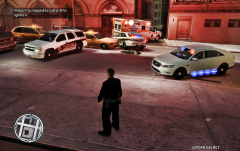
From the album: Pennsylvaina Police Units and more
better view of the bodie! -
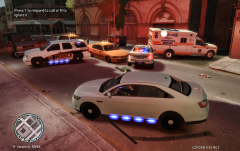
From the album: Pennsylvaina Police Units and more
Pittsburgh police respond to robbery call. -
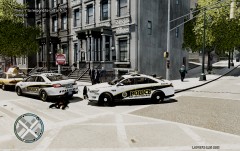
From the album: Pennsylvaina Police Units and more
Traffic stop leading to officer killed, received Officer down call 16:50 arrived on scene at 16:53 to find 3941 unresponsive.© 412moneybagzz
-
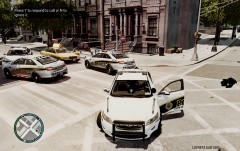
From the album: Pennsylvaina Police Units and more
shootout after traffic stop goes wrong.© 412moneybagzz
-
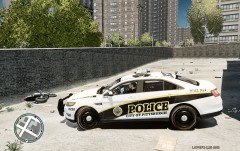
-
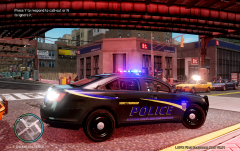
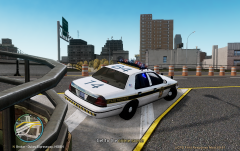 i forget its off of Google i no that much lol
 -
-
-
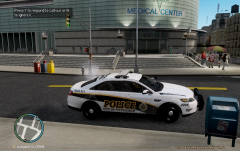
From the album: Pennsylvaina Police Units and more
The new Pittsburgh police vehicle after they decided to change to ford.© 412moneybagzz
-
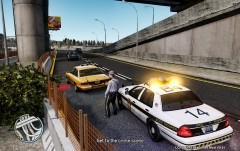
From the album: Pennsylvaina Police Units and more
Pa State Tropper Stopping a suspect for going 25 over speed limit.© 412moneybagzz
-
This is a video of My Unmarked Pittsburgh Police K9 unit, with a tribute to the 3 officers and k9 that where killed in the line of duty, enjoy. my Pittsburgh pa pack including surrounding areas of pa will be done in a couple weeks because of updates of the new vehiles different departments received and new vehicles. http://www.youtube.com/watch?v=zwpL95Q6pTg

