


Ekalb
Members
-
Joined
-
Last visited
Everything posted by Ekalb
-
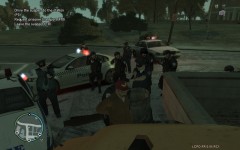
From the album: LCPDFR Highway Patrol
Multiple police assist in the arrest of a taxi driver following a dangerous and lengthy pursuit. -
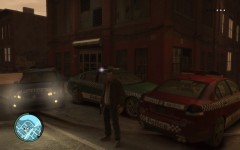
From the album: LCPDFR Highway Patrol
Original texture & vehicle by Mr Bolleck, edited highway patrol texture by me -
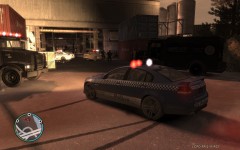
From the album: LCPDFR Highway Patrol
Arriving to backup NOOSE units at shootout -
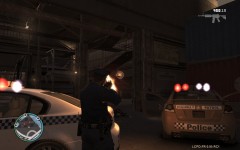
From the album: LCPDFR Highway Patrol
Responding to backup request from NOOSE engaging multiple armed suspects at a warehouse -
Hm well I want police4 to be functional in a pursuit so i'm not sure if that requires the computer or not
-
Aparna, do the extra police vehicles work as police vehicles (sirens and police computer?) Thanks for the link man
-
Thought I'd bump this as I'm having a similar issue. I just added polcie4 (the stinger) from my TBOGT to my regular GTA IV game that I have LCPDFR installed on. I've followed this tutorial http://www.gtaforums.com/index.php?showtopic=420911 to add the vehicle but I haven't found a way to have it recognised as a police vehicle yet (to have sirens, to use the police computer). Is this even possible at all or should I just install LCPDFR over my TBOGT as well?

