


docpalmer
Members
-
Joined
-
Last visited
Everything posted by docpalmer
-
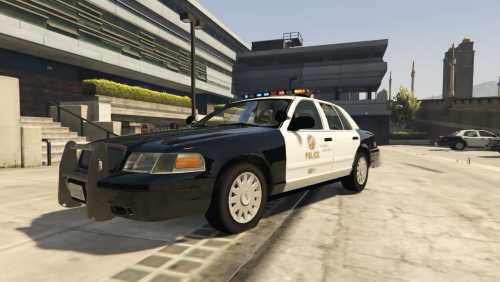 windows seem broken and wheels are inaccurate to the year. but the light bar isnt bad
- 5 comments
- 3 reviews
-
-

- 1
-
-
-
From the album: Bastogne
-
-
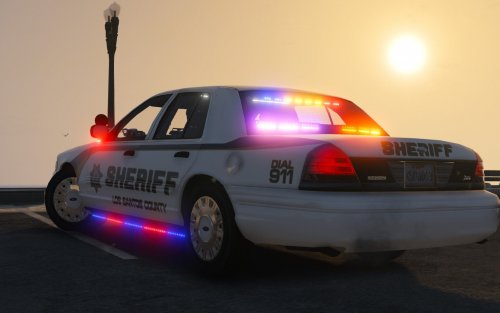 love it, been waiting for my rings to come out for a while now, only reason i didn't give it 5* because im not sure about side runners but thats personal opinion. GTA5 2016-06-19 22-39-56-09.bmp
- 51 comments
- 27 reviews
-
From the album: Baltimore county throwback
Thanks Lundy for the template -
Bank job
-
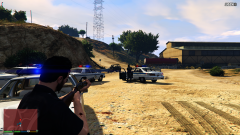
From the album: Baltimore county throwback
-
-
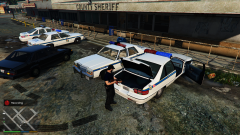
From the album: Baltimore county throwback
Thanks Lundy for the template -
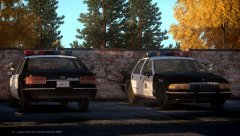 nice
nice -
Thanks mate
-
Oh sorry about that, I was looking into both of them but i really want that crown vic.
-
anybody know where i can fine the templete for Lundys 1989 caprice? I wanna make a baltimore county
-
 GTA5 2016-05-02 09-35-16-52.bmp Element made a Baltimore county police skin for it
- 122 comments
- 29 reviews
-
-
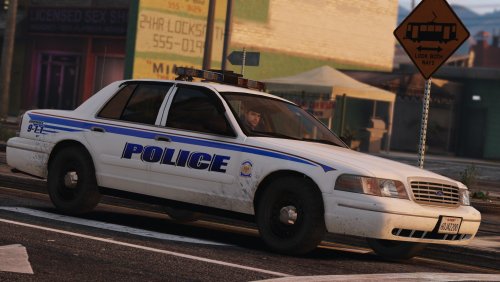
.thumb.png.647a35b217b2e1fe6e15e0ccc0c77b3b.png) Love that there is finally a crown vic with my 2003 hub caps, very nice work.
Love that there is finally a crown vic with my 2003 hub caps, very nice work.- 47 comments
- 18 reviews
-
Anybody miss the Crown Vics with the steel rims and rings? pretty sure there not out on gta5 yet. Makes me wish i still had them on mine.
-
-
-
-
-
-
-

.thumb.png.647a35b217b2e1fe6e15e0ccc0c77b3b.png)