mattcapman
Members
-
Joined
-
Last visited
Everything posted by mattcapman
-
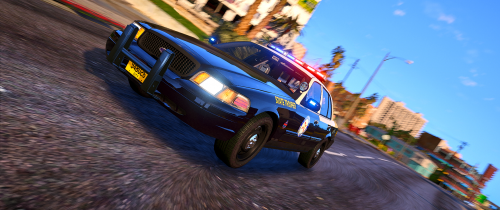 All the new FHP cars have the amber directional bar, it just has to be activated by the Trooper. Otherwise, the lights remain blue.
- 58 comments
- 8 reviews
-
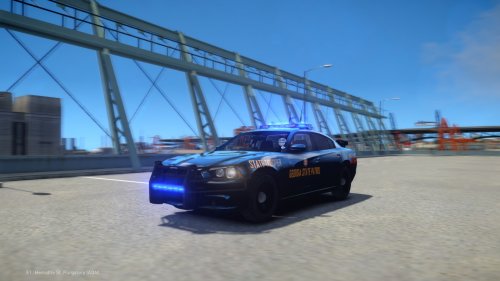 Would you be able to add the handling lines you use for this? I tried some and they just don't handle right. Also could you possibly do a Warner Robins PD or Houston County SO? I used to live in that area and always wanted to drive those cars in game. Thanks
- 10 comments
- 6 reviews
-
Looks Amazing.. We actually don't have the statement on the bumper for our new cars anymore. It was a citywide Breast Cancer Awareness sticker they put on some cars but they wore out so most deputies took them off their cars.
-
Yeah I will get some pictures and post them here.. Thanks guys
-
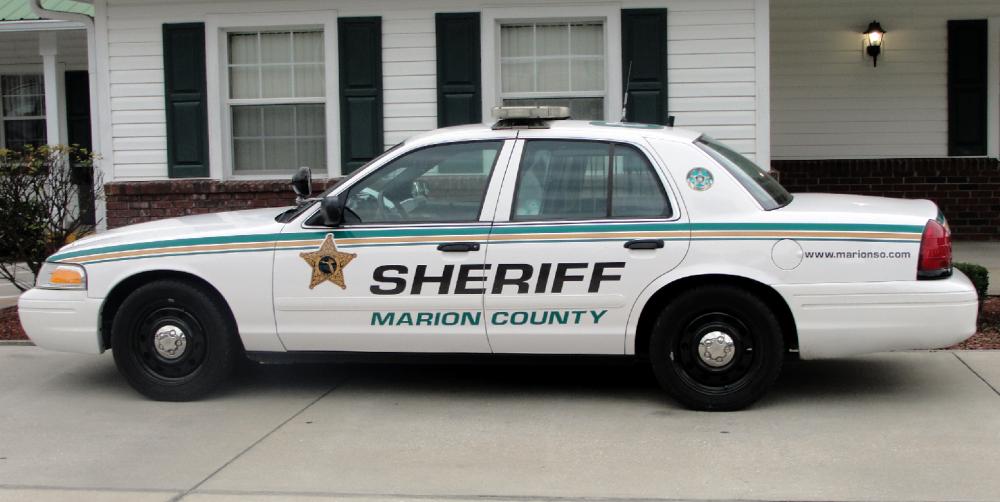
Would anyone be able to do a texture of this car for me?? I volunteer with the SO Thanks..