


Sheriff Van Dyck
Members
-
Joined
-
Last visited
Everything posted by Sheriff Van Dyck
-
 Hell yea!!
 -
-
-
-
Great!
-
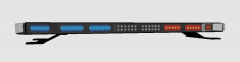 This looks awesome, I like that. Great work!
 -
-
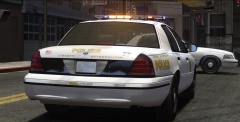 Bro, i just love your pics.
 -
-
-
That is correct, and also, i have just give it a view on Zmod and i can see that the lightbar in question doesn't have rotators, so it's not assembled to rotate. You can use another ELS-H lightbar (for DEV) like the streethawk etc. Here's a link with a list of unlocked parts: '?do=embed' frameborder='0' data-embedContent>> Excuse me for bumping on an old topic and for my bad english. Have a nice day!
-
drot? Isn't that ROTA what you have to put in there? Check the ELSV8 User's guide, i have read it before and i didn't see that (drot) value anywhere.
-
haha! That is great, Sir.
-
Sir, is that spanish language what i'm seeing right now?
-
hahahahaha oh my god !!
-
-
 Oh my God, i love you man. No homo.
 -
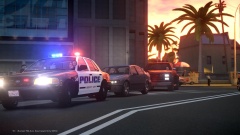 Woo this looks awesome. May i ask what ENB is that? Great work!
 -
-
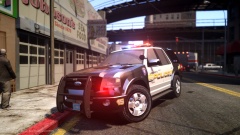 Would be great to see some sheriff cars too!
 -
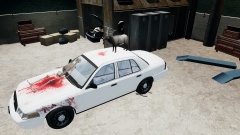 hahaha wtf!!!
 -
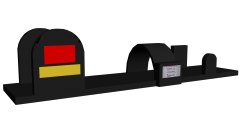 Great! I'll be waiting! :o
 -
I must have this on my next projects!
-
![[REL] Illinois State Police 1987 Chevrolet Caprice](//s3-gallery.int-cdn.lcpdfrusercontent.com/gallery/album_338/sml_gallery_14186_338_172125.png) Thank you Strike, you're the man.
Thank you Strike, you're the man. -
I like that car, it's pretty nice. Is there any chance that i can get a link?


![[REL] Illinois State Police 1987 Chevrolet Caprice](http://s3-gallery.int-cdn.lcpdfrusercontent.com/gallery/album_338/sml_gallery_14186_338_172125.png)