


Sheriff Van Dyck
-
Joined
-
Last visited
Everything posted by Sheriff Van Dyck
-
From the album: Montana Law Enforcement
-
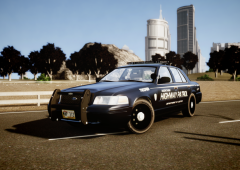
From the album: Montana Law Enforcement
Textures made by me. -
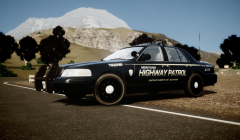
From the album: Montana Law Enforcement
Textures made by me. -
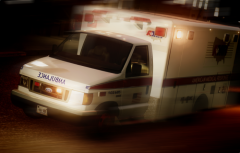
From the album: Montana Law Enforcement
-
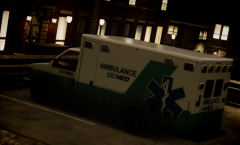
From the album: Montana Law Enforcement
-
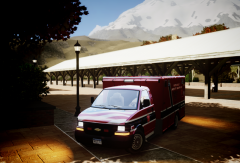
From the album: Montana Law Enforcement
Textures made by me. -
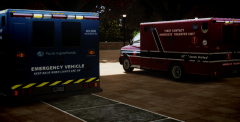
From the album: Montana Law Enforcement
Textures made by me. -
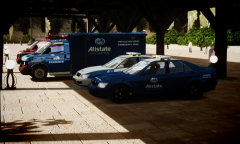
From the album: Montana Law Enforcement
Textures made by me. -
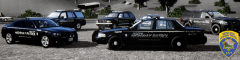
From the album: Montana Law Enforcement
Textures made by me. -
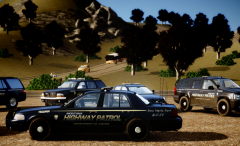
From the album: Montana Law Enforcement
Textures made by me. -
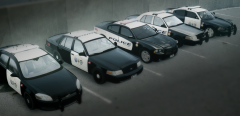
From the album: Montana Law Enforcement
-
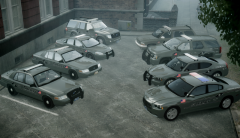
From the album: Montana Law Enforcement
-
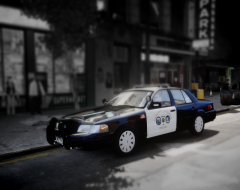
From the album: Montana Law Enforcement
-
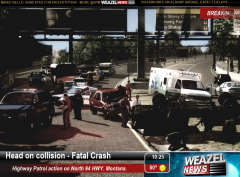
From the album: Montana Law Enforcement
WN: A drunk driver was doing around 90 MPH so he couldn't see the that he was going all over the road division to pass to the wrong lanes, after his, his car crashed with a Family that was going on vacation, on their Wagon. Officer Jones on the County PD was the first on scene, and called Officer Jhonson, Supervisor of the Montana Highway Patrol Dept. The family on board were rushed to hospital on intensive care by the GoMed Ambulance, the driver was arrested just before he tried to run away, two other persons on board the fleeing vehicle were dead instantly and rushed to the Forensics Office by the local Coroner. Aaaaaaand this is some shit! -
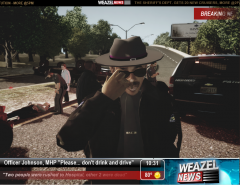
From the album: Montana Law Enforcement
WN: In a quick interview with Supervisor Johnson, he showed a really sad face, sending to all of us one simple message: "Please... Don't drink and drive... If you see somebody doing this, report it" -
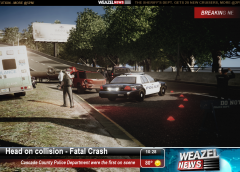
From the album: Montana Law Enforcement
WN: A drunk driver was doing around 90 MPH so he couldn't see the that he was going all over the road division to pass to the wrong lanes, after his, his car crashed with a Family that was going on vacation, on their Wagon. Officer Jones on the County PD was the first on scene, and called Officer Jhonson, Supervisor of the Montana Highway Patrol Dept. The family on board were rushed to hospital on intensive care by the GoMed Ambulance, the driver was arrested just before he tried to run away, two other persons on board the fleeing vehicle were dead instantly and rushed to the Forensics Office by the local Coroner. Aaaaaaand this is some shit! -
 Woaaa! a Celebrity? That sir, is awesome.
 -
Hello, this is not a map mod, in fact this is a simple add-on for Country Side Mountains. You just need SNT (Simple Native Trainer) to be able to load the objects.ini file (which is the mod file)
- 25 comments
- 9 reviews
-
Those are some great cars. I'll use the one without push bar! May I know which ENB are you using?
- 8 comments
- 10 reviews
-
-
That Tahoe looks beautiful, and that's a nice landscape you've got on the back!
- 16 comments
- 11 reviews
-
-

- 1
-
-
-
-
Okay thank you very much and sorry for the late reply i was having some sign in issues. I will try to ask on that forum and see what i can do. Thanks!
-
Hi, i just wanted to know if there's any way to replace the Statue of Happiness in the game, i mean, put a building instead of the statue. I did it with some file but instead of the building the statue kept showing but just in another color. If you know something that i could do to replace it, i'll be grateful.

