



xDodox
-
Joined
-
Last visited
Everything posted by xDodox
-
 Ok Francis :biggrin:
 -
From the album: xDodox's Pictures
© ©xDodox
-
From the album: xDodox's Pictures
© ©xDodox
-
From the album: xDodox's Pictures
© ©xDodox
-
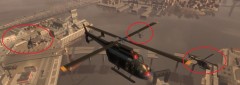
From the album: xDodox's Pictures
© ©xDodox
-
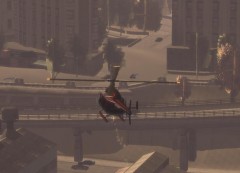
From the album: xDodox's Pictures
© ©xDodox
-
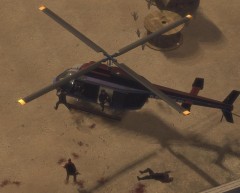
From the album: xDodox's Pictures
© ©xDodox
-
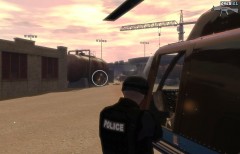
From the album: xDodox's Pictures
© ©xDodox
-
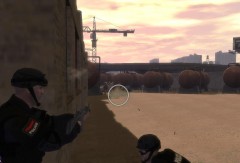
From the album: xDodox's Pictures
© ©xDodox
-
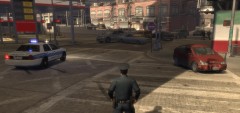
From the album: xDodox's Pictures
© ©xDodox
-
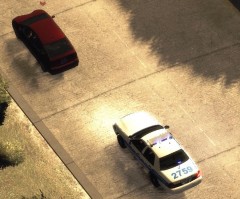
From the album: xDodox's Pictures
© ©xDodox
-
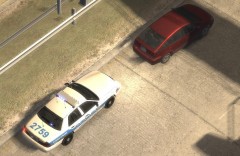
From the album: xDodox's Pictures
© ©xDodox
-
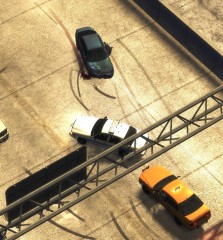
From the album: xDodox's Pictures
© ©xDodox
-
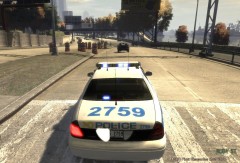
From the album: xDodox's Pictures
© ©xDodox
-
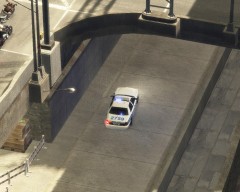
From the album: xDodox's Pictures
© ©xDodox
-
From the album: xDodox's Pictures
© ©xDodox
-
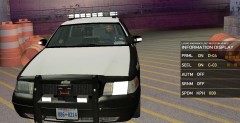
1. E-1C 2. C-03 One question is there any option to save his favorite light pattern?
-
From the album: xDodox's Pictures
© ©xDodox
-
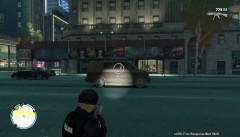
From the album: xDodox's Pictures
I was testing my flashlight on the MP5 from GRIMS's Weaponpack for GTAIV in TBoGT.© ©xDodox
-
From the album: xDodox's Pictures
© ©xDodox
-
 This picture looks so real! Nice work dude!!! :)
 -
Then try to use the dsound.dll and test if it works or use dsoun.dll and xlive.dll. PS: For your system you can install Service Pack 1 ;) One question, did you put the xlive.dll in your scripts folder? You have to put it in your main folder. :)
-
1. Did you try to reinstall the game fully? So, after uninstalling delete all folders from GTAIV and then use CCleaner for the registry. 2. Or install an old/new driver. With my ATI Card I never have problems like this. 3. Delete this folder (Win7/Vista C:\Users\Usernanme\AppData\Local\Rockstar Games), BEFORE DELETING MAKE A BACKUP!!! This will delete the settings for your graphic card in GTAIV I hope something will work. :)
-
No problem :P Germans are always nice =) But I see a problem with your Visual C++ 2010 Redistributable. It's saying it's not installed? Uninstall the Visual C++ 2010 Redistributable x86 and reinstall Visual C++ 2010 Redistributable x86 NOT THE x64 VERSION. And then look for ScriptHookDotNet, is it missed in your GTAIV folder? Greeting Dodo :teehee:
-
Hi, Reinstall this (Link) and this (Link). Because you need the x32-Bit version of Microsoft .NET Framework 4 and Microsoft C++ 2010 Redistributable ;) I hope it works for you. :)


