



TheProneGuy
Members
-
Joined
-
Last visited
Everything posted by TheProneGuy
-
 One mod i could never play without! Got to have that door open for felony stops... Amazing work!
- 108 comments
- 24 reviews
-
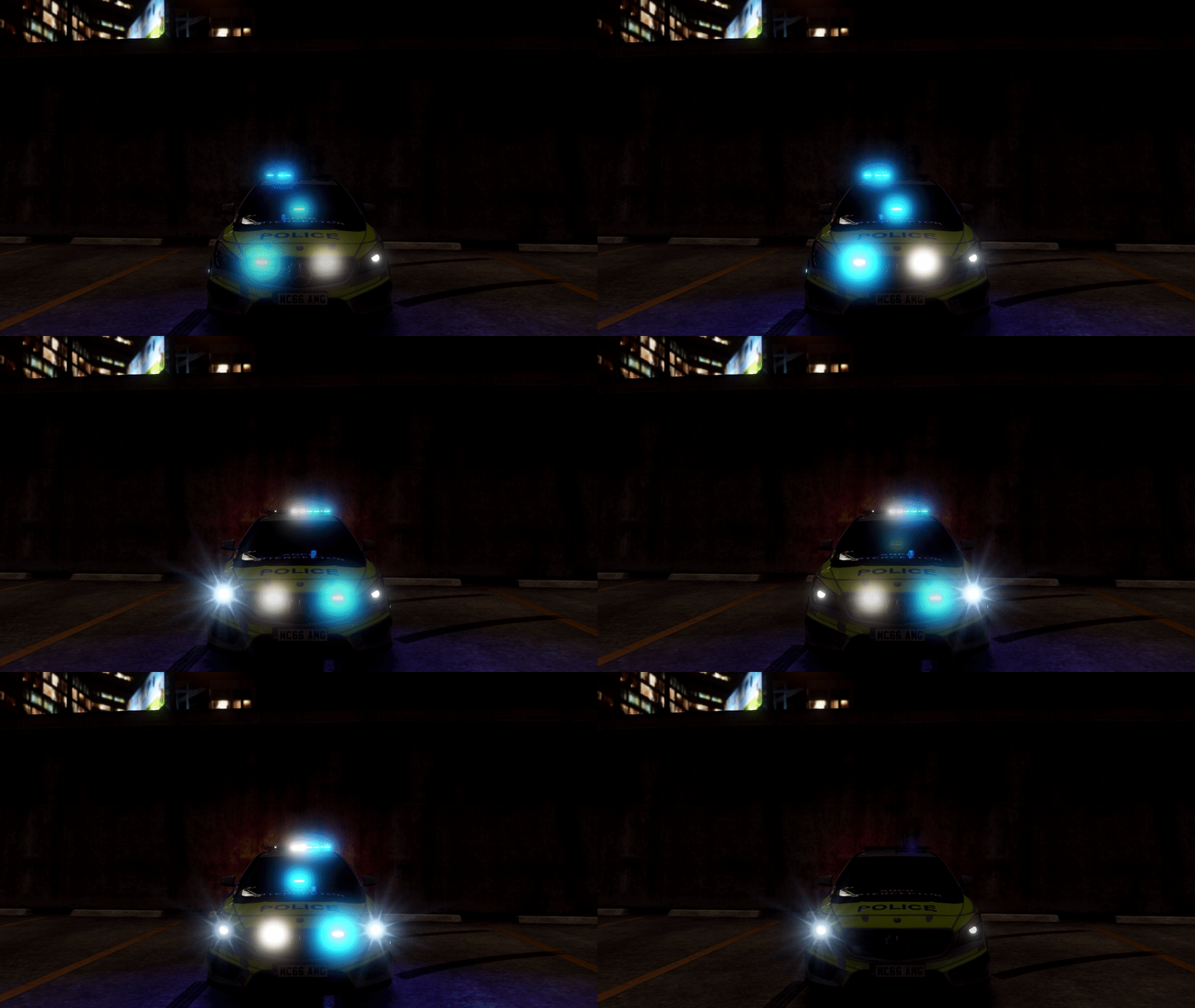 Great options, nice little addition to MVGA. Make my night brighter! work!
- 143 comments
- 12 reviews
-
-

- 1
-
-
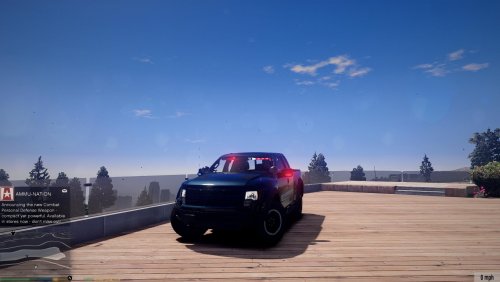
 Awesome Model! Not many flaws at all. Great light set-up, skin/livery is perfect! Overall great quality.
- 48 comments
- 14 reviews
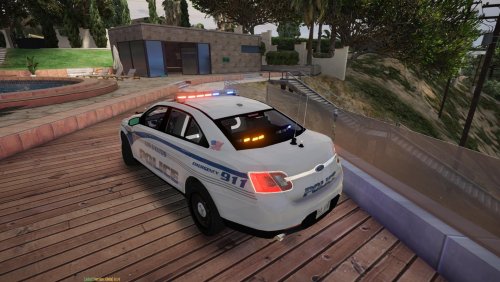
 Really great model overall! Light set-up is good, and the texture is nice and shiny...lol. Awesome Model!
- 5 comments
- 1 review
-
-
- 1
-
 Overall good model, Few things could be fixed but there minor. Luv the liveries, Great model!
- 13 comments
- 2 reviews
-
-
- 1
-
Account
Navigation
Search
Configure browser push notifications
Chrome (Android)
- Tap the lock icon next to the address bar.
- Tap Permissions → Notifications.
- Adjust your preference.
Chrome (Desktop)
- Click the padlock icon in the address bar.
- Select Site settings.
- Find Notifications and adjust your preference.
Safari (iOS 16.4+)
- Ensure the site is installed via Add to Home Screen.
- Open Settings App → Notifications.
- Find your app name and adjust your preference.
Safari (macOS)
- Go to Safari → Preferences.
- Click the Websites tab.
- Select Notifications in the sidebar.
- Find this website and adjust your preference.
Edge (Android)
- Tap the lock icon next to the address bar.
- Tap Permissions.
- Find Notifications and adjust your preference.
Edge (Desktop)
- Click the padlock icon in the address bar.
- Click Permissions for this site.
- Find Notifications and adjust your preference.
Firefox (Android)
- Go to Settings → Site permissions.
- Tap Notifications.
- Find this site in the list and adjust your preference.
Firefox (Desktop)
- Open Firefox Settings.
- Search for Notifications.
- Find this site in the list and adjust your preference.

