RyanG
Members
-
Joined
-
Last visited
Everything posted by RyanG
-
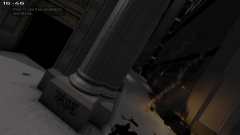 This picture was actually a mistake, i shot up Josh Stevensons car with a shotgun not expecting it to blow up, so that explains the terrible angle.
 -
From the album: Boston Police/State Police
Officer Emmanuel Jackson was blown up by a car bomb just after calling for backup for the murder of Officer Josh Stevenson. -
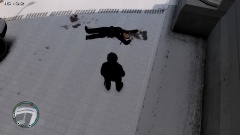
From the album: Boston Police/State Police
Officer Emmanuel Jackson calls for backup after seeing Officer Josh Stevenson be murdered in cold blood in an alley just outside Castle Island. Citizens are asked to call 1-800-NOT-REAL for any tips. -
It wasnt a professional game it was just me and a few friends messing around
-
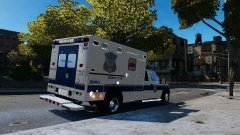 Looks great!
 -
I used too but then a person shot me in the eye and I stopped playing
-
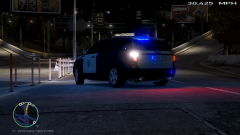 where can i get this sexy beast?
 -
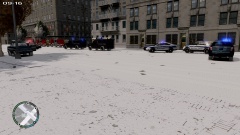 Why does this picture have 584 views?
 -
I don't know what it is, but i like it
-
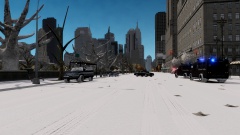
From the album: Boston Police/State Police
-
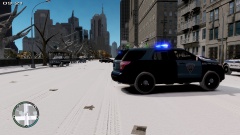
From the album: Boston Police/State Police
-
From the album: Boston Police/State Police
-
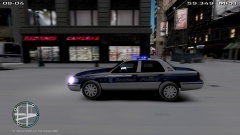
From the album: Boston Police/State Police
-
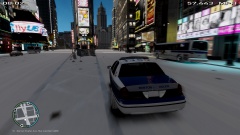
From the album: Boston Police/State Police
-
You should convert an E-One truck
-
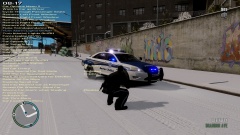
From the album: Boston Police/State Police
-
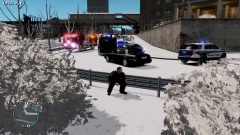
From the album: Boston Police/State Police
-
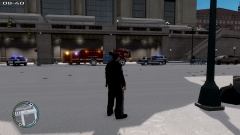
From the album: Boston Police/State Police
-
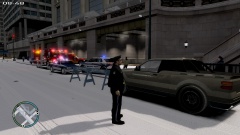
From the album: Boston Police/State Police
-
-
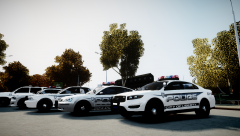 Those cars look amazing. Do you plan on releasing them?
 -
I used to be into it but when season 4 started it just got too repetitive, and now I don't watch it. Can you please tell me in a pm what happened?
-
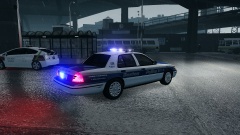 Looks pretty awesome! Love those taxi and bus skins
 -
-
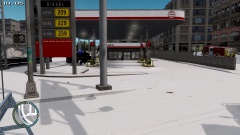
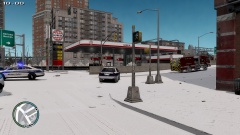
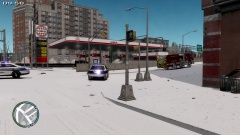
Boston PD and SWAT respond to a bomb at a gas station