



chillzz_kenny
Members
-
Joined
-
Last visited
Everything posted by chillzz_kenny
-
-
whell now is it working fine, i installed 2 cars + skins and i have no problems with my gane what so ever
-
i have the same problem, let me know when you found a solution mate
-
i have the same problem, i try to install cars/skins and my game crashes/doesn't load i do exactly the same as Jeff did in his video (i read the ReadMe files to know where to put all the files) but Jeff doesn't use the mod folder, maybe that is the problem? https://www.youtube.com/watch?v=-M05f2MYo70
-
well i have nice cars (not installed) but if i want to install them my game doesn't work. so i need other vehicles to try and install
-
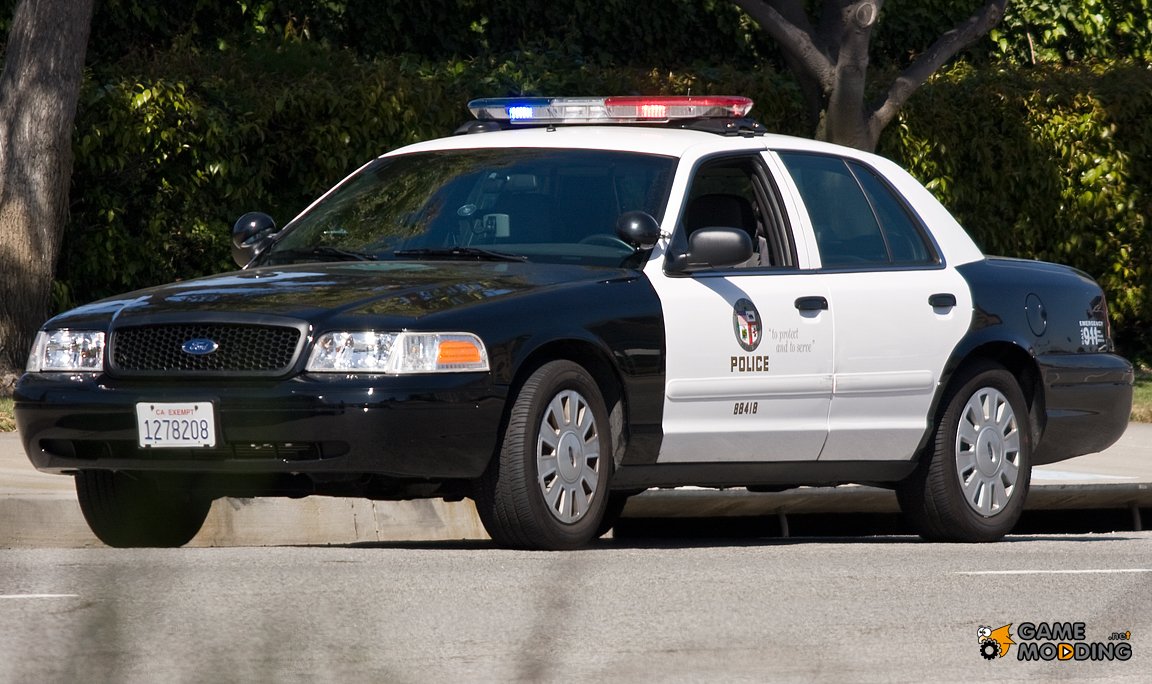
I need some good LAPD skins or LAPD cars to install, i have some nice ones but i can't install them because my game won't start anymore. Any good suggestions?
-
are you using openIV? normally it should say in the readme file what you need to do. I am also having problems installing cars, when I try one my game doesn't work anymore, so I suggest that you have a backup from the whole game aswell the x64e and the update folder.
-
i can't install it, i get an error saying it is not compatible for my Operating System (windows10) anybody know how to fix it?
-
i had the same problems with .28 .29 .30 and .30
-
I'm having problems with my lspdfr. I cant get it to work. I have a fresh gta copy from the latest update. I installed LSPDFR 0.2b, then the latest ragehook plugin (0.32). However. nothing loads when I get in game...? Their is first the RAGE logo but ingame my LSPDFR isn't loaded
-
Hello, can someone make a video to install everything i need for LSPDFR. I watched this video https://www.youtube.com/watch?v=7ZnBwl7R4cg and the following vids but i can't install RHP Please someone help me, i am on Windows 10
-
i did that and everything is installed, but it is still not working
-
i did that, rage is loading (first time installation: you know setings) my gta starts up but LSPDFR isn't loaded, also when i press F4 ingame nothing happens...
-
the ragehook, i need to copy all the files or not?
-
i have now a stock folder, now do i need to coppy all the files from LSPDFR in the new directory? and then install ragehook 0.29? do i need scripthookV?
-
allright i am copying now a GTA stock folder where i put all the mods in etc
-
i need to copy all the files in the LSPDFR folder into main directory? and then transfer all the ragehook files over and replace them?
-
i renamed it back to Grand Theft Auto V, but it still doesn't work. ragehook won't load
-
allright i will add you mate
-
i will try that mate, what is your social club name?
-
timnboys can't u help us with doing it via teamviewer?
-
i did it like 4 times now, still not working. PLEASE SOMEONE HELP US :( i try to install this but it doesn't work either https://www.microsoft.com/en-us/download/details.aspx?id=40779
-
i try to install it (https://www.youtube.com/watch?v=7ZnBwl7R4cg) like on this video. but the ragehook version is 0.29. and it won't load when i start up the game
-
yo, i have bought GTA today, updated it. i tried to install LSPDFR & ragehook 0.29. it doesn't work for me either, so please someone know's how to fix it


