


Rob Davis
Members
-
Joined
-
Last visited
Everything posted by Rob Davis
-
Really nice charger waiting on the updated grill lights. Shot some video if any one wants to see it in game.
- 34 comments
- 10 reviews
-
-

- 2
-
-
-
Having a blast playing I only experience a crash when using the bait car option through police helper. I know that's related to the police helper mod not being developed for anymore so no complaints from me. Using a ENB, Car Pack, replaced textures + other mods. Props to everyone who has worked on or what apart of this mod.
-
Be patient and consistent. Also take advantage of social media, its good to promote your video on twitter, facebook etc... I know its already been said but be yourself!. Nice Video Gunner Subbed as well.
-
-
Sup guys I'm new to the LCDP:FR community and I want to start posting videos consistently. I don't plan to take it to serious just having fun with it. Check out my channel, still working on getting mods and stuff all setup right. Thanks in advance for checking it out.
-
Fraps will give you the best quailty. You call also try a program called OBS open broadcaster software. Its has streaming capabilities and can record video.
-
-
EPIC! loving these....will be sending you a pm sir. Would love to have you create one for me.
-
-
What I'm using...you can check the video quality on my channel. Gameplay Recording: Fraps Voice Recording/Mic: Blue Snowball Video Rendering: Sony Vegas 12 .................................................................. PC Specs Sager NP9370 (Clevo P370EM) - LPCDigital.com CPU: 3rd Gen i7-3630QM Processor GPU: NVIDIA® GeForce™ GTX 680M 4GB GDDR5
-
Haha nice I'm using the liveries from Nutt as well and I did a few videos on LCPDFR. Im also from Detroit. I subbed your channel.
-
-
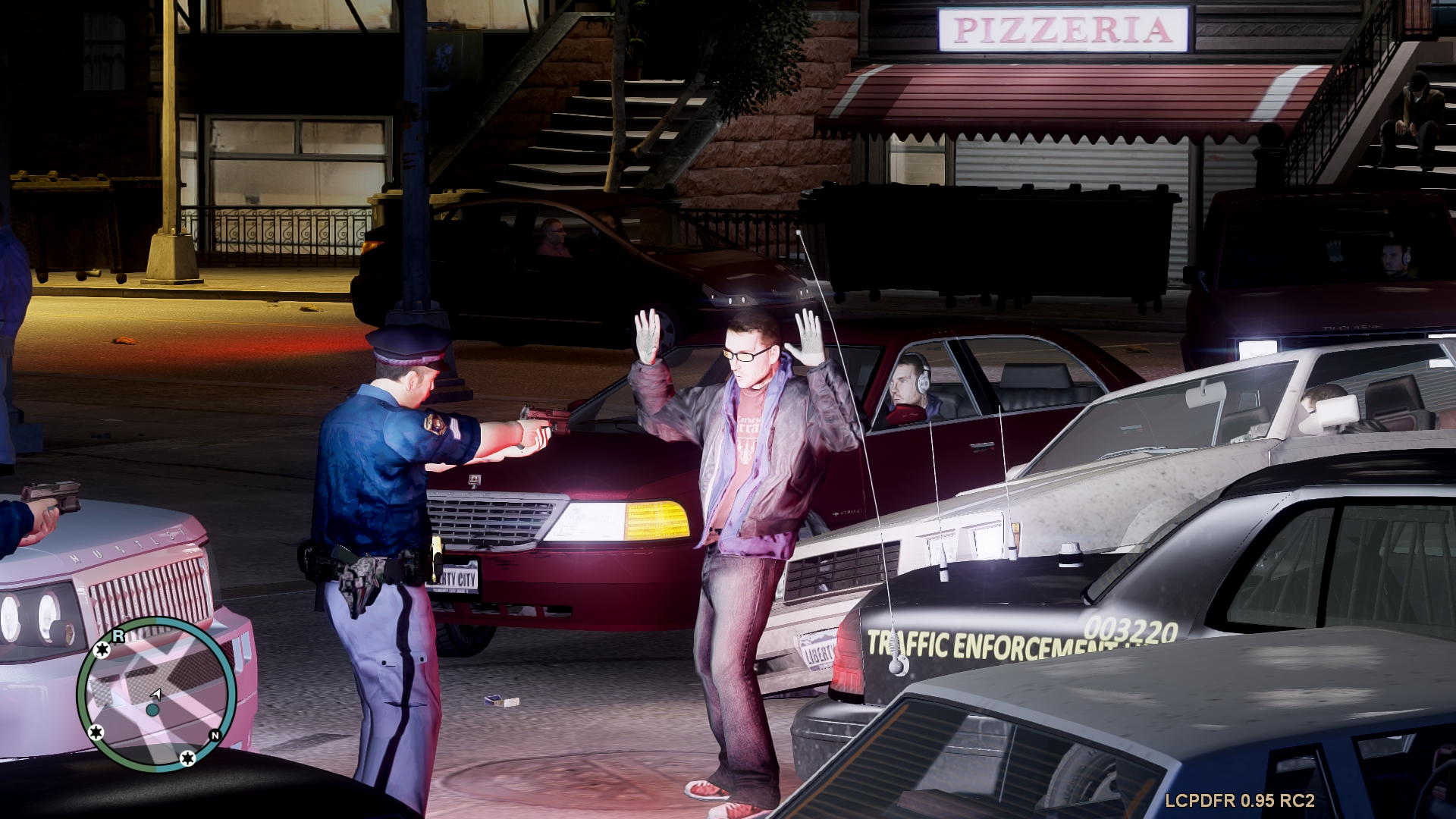
From the album: Rob's Game Shots
-
No place like Detroit
-
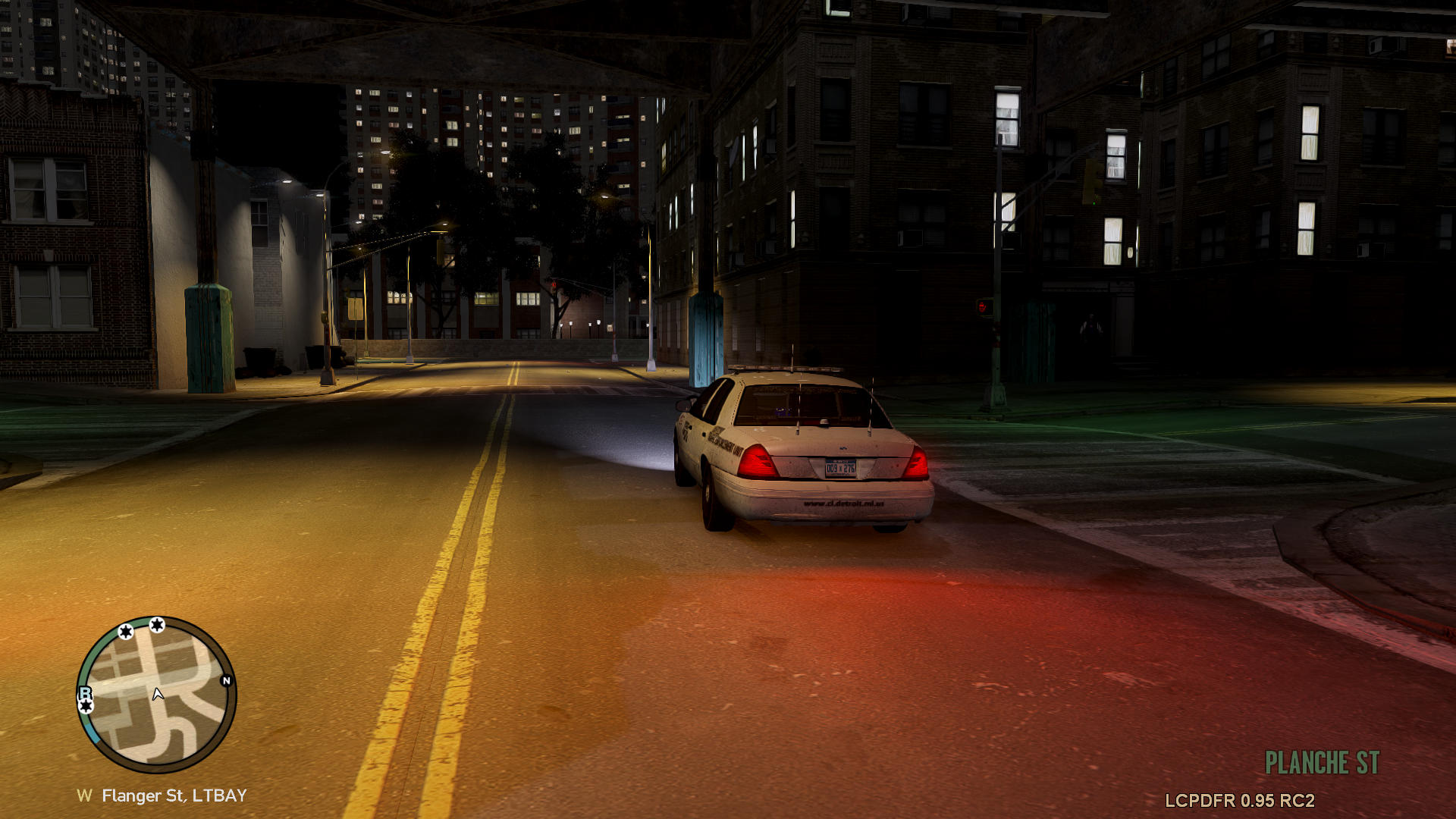
From the album: Rob's Game Shots
-
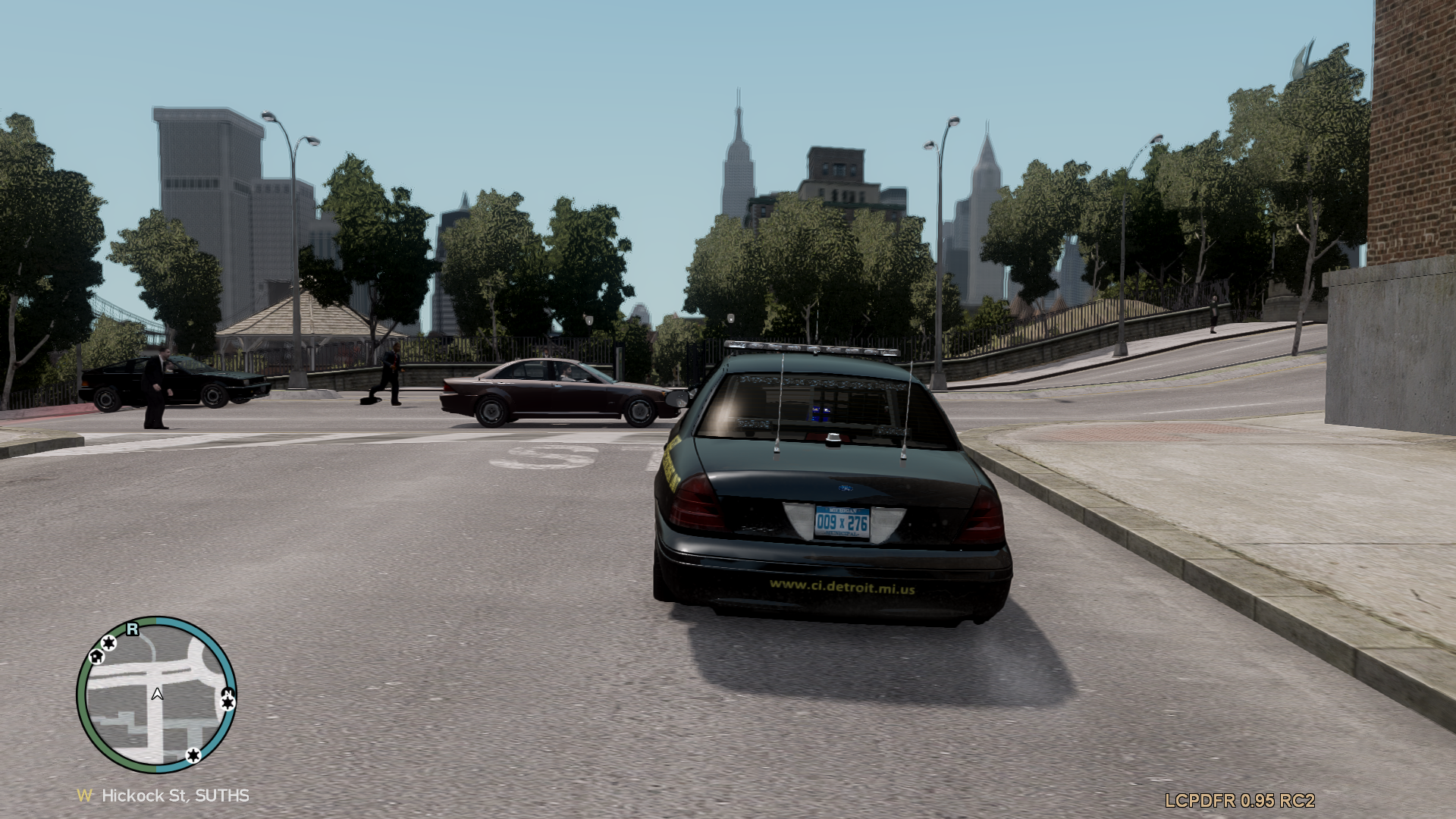
From the album: Rob's Game Shots
-
-
-

