


Rob Davis
-
Joined
-
Last visited
Everything posted by Rob Davis
-
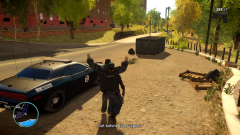
From the album: LCPDFR 1.0 CryENB - HQ Pictures
-
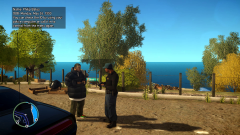
From the album: LCPDFR 1.0 CryENB - HQ Pictures
-
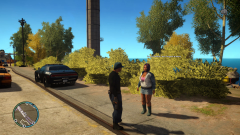
From the album: LCPDFR 1.0 CryENB - HQ Pictures
-
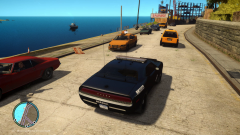
From the album: LCPDFR 1.0 CryENB - HQ Pictures
-
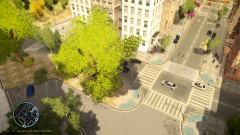
From the album: LCPDFR 1.0 CryENB - HQ Pictures
-
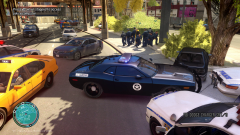
From the album: LCPDFR 1.0 CryENB - HQ Pictures
-
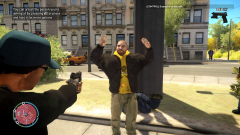
From the album: LCPDFR 1.0 CryENB - HQ Pictures
-
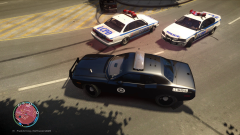
From the album: LCPDFR 1.0 CryENB - HQ Pictures
-
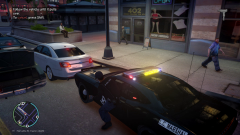
From the album: LCPDFR 1.0 CryENB - HQ Pictures
-
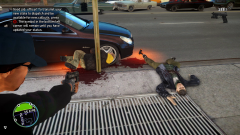
From the album: LCPDFR 1.0 CryENB - HQ Pictures
-
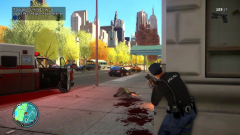
From the album: LCPDFR 1.0 CryENB - HQ Pictures
-
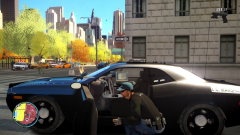
From the album: LCPDFR 1.0 CryENB - HQ Pictures
-
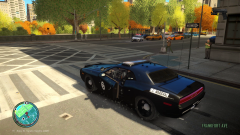
From the album: LCPDFR 1.0 CryENB - HQ Pictures
-
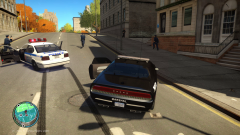
From the album: LCPDFR 1.0 CryENB - HQ Pictures
-
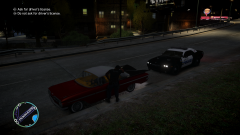
From the album: LCPDFR 1.0 CryENB - HQ Pictures
-
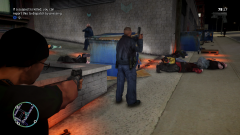
From the album: LCPDFR 1.0 CryENB - HQ Pictures
-

From the album: LCPDFR 1.0 CryENB - HQ Pictures
-
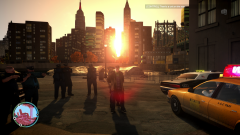
From the album: LCPDFR 1.0 CryENB - HQ Pictures
-
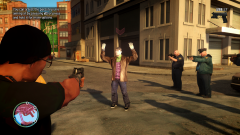
From the album: LCPDFR 1.0 CryENB - HQ Pictures
-
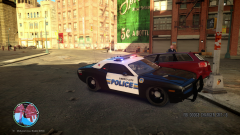
From the album: LCPDFR 1.0 CryENB - HQ Pictures
-
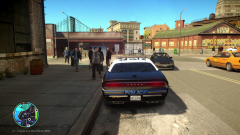
From the album: LCPDFR 1.0 CryENB - HQ Pictures
-
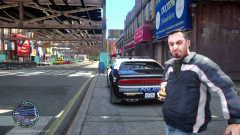
From the album: LCPDFR 1.0 CryENB - HQ Pictures
-
I was running this on my laptop with a GTX 680m and had that lag problem but now that I've upgraded to a desktop with a 780 Classified runs smooth. Awesome ENB http://www.youtube.com/watch?v=367jpAb1_6E
- 49 comments
- 15 reviews
-
I get terrible FPS when installed this, system comes to a crawl and I know my system could at least handle the lowest one...looks great though!
- 49 comments
- 15 reviews
-
Nice Work!


